Photos
Choose clear images with room around important faces and details.
01 / PERSONAL EXPRESSION
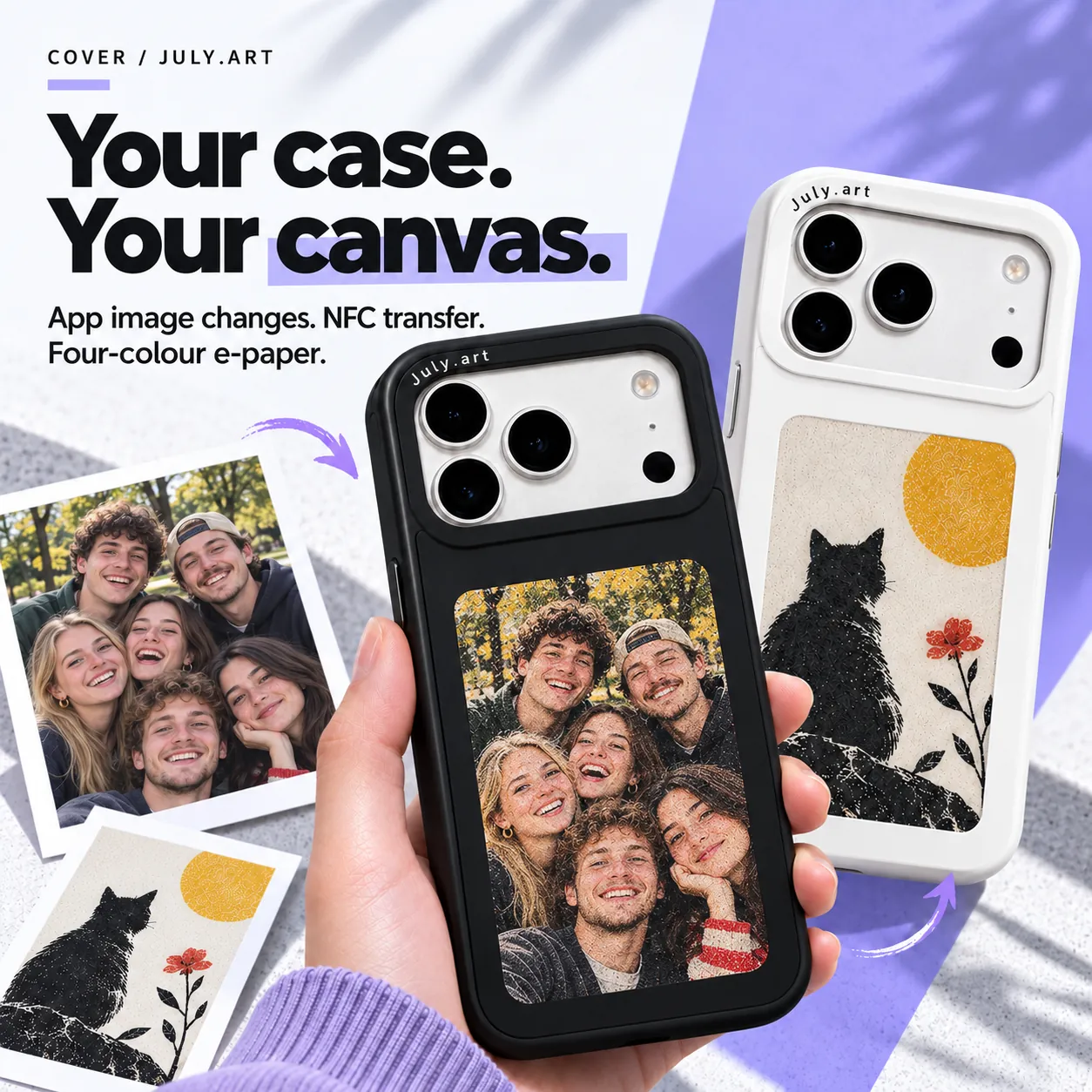
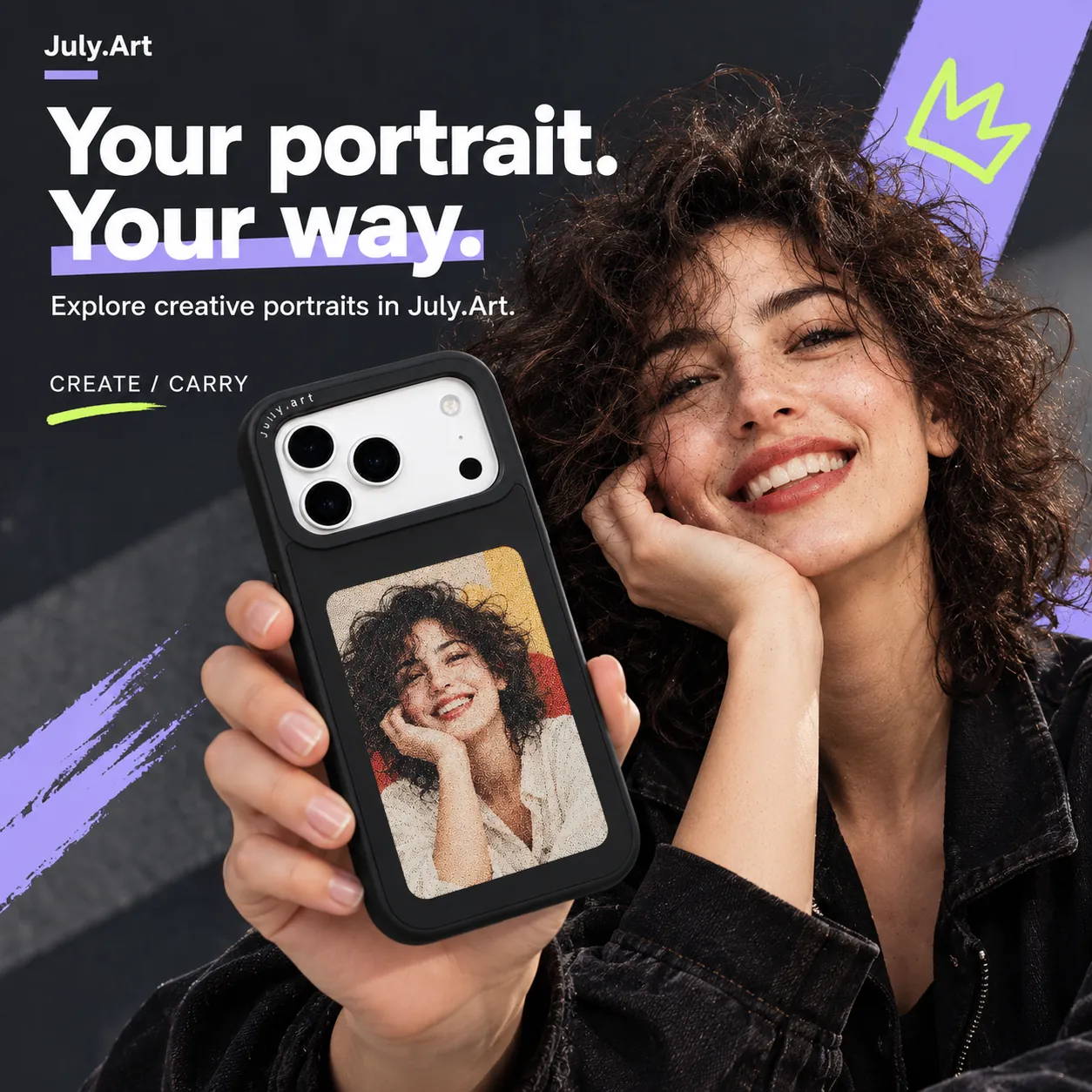
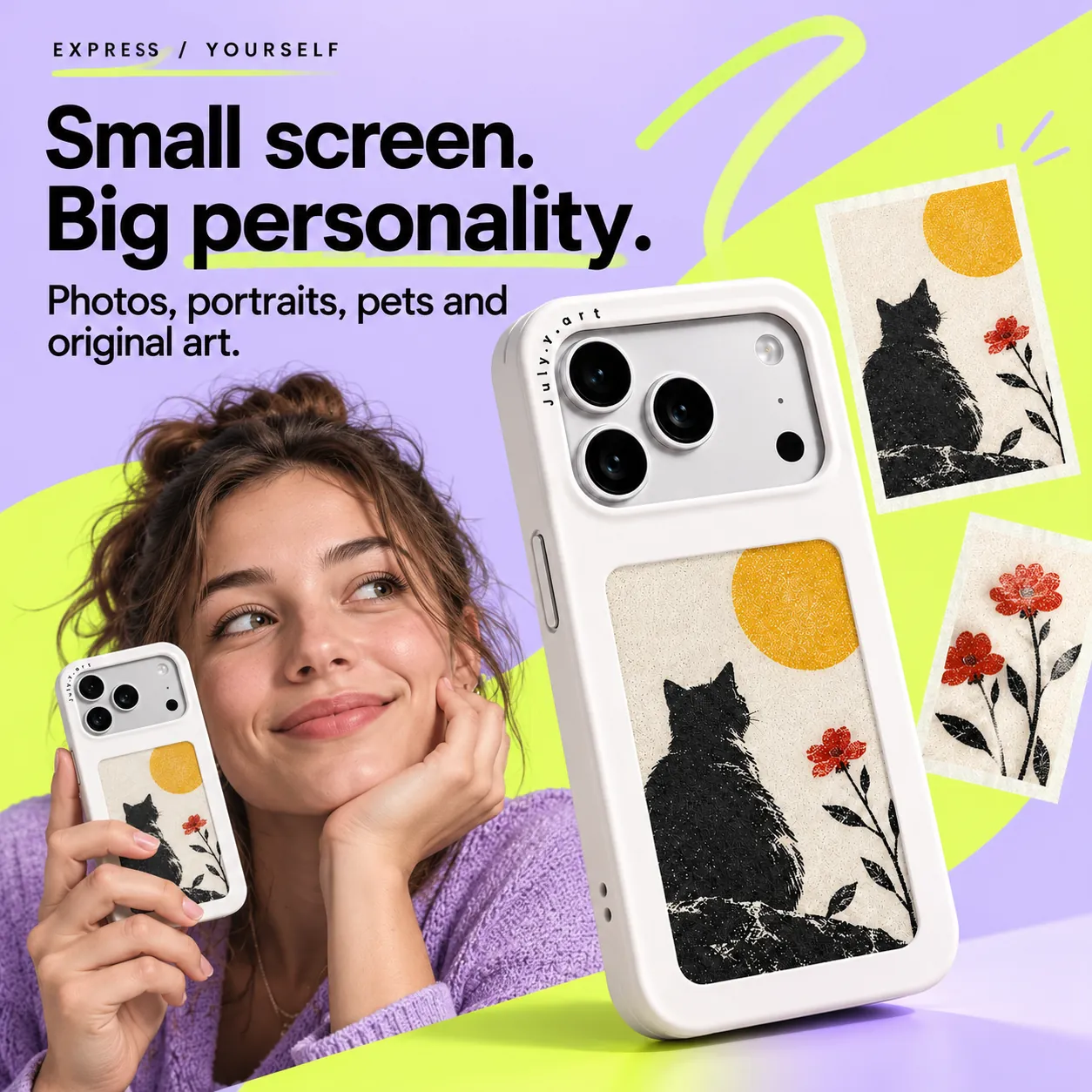
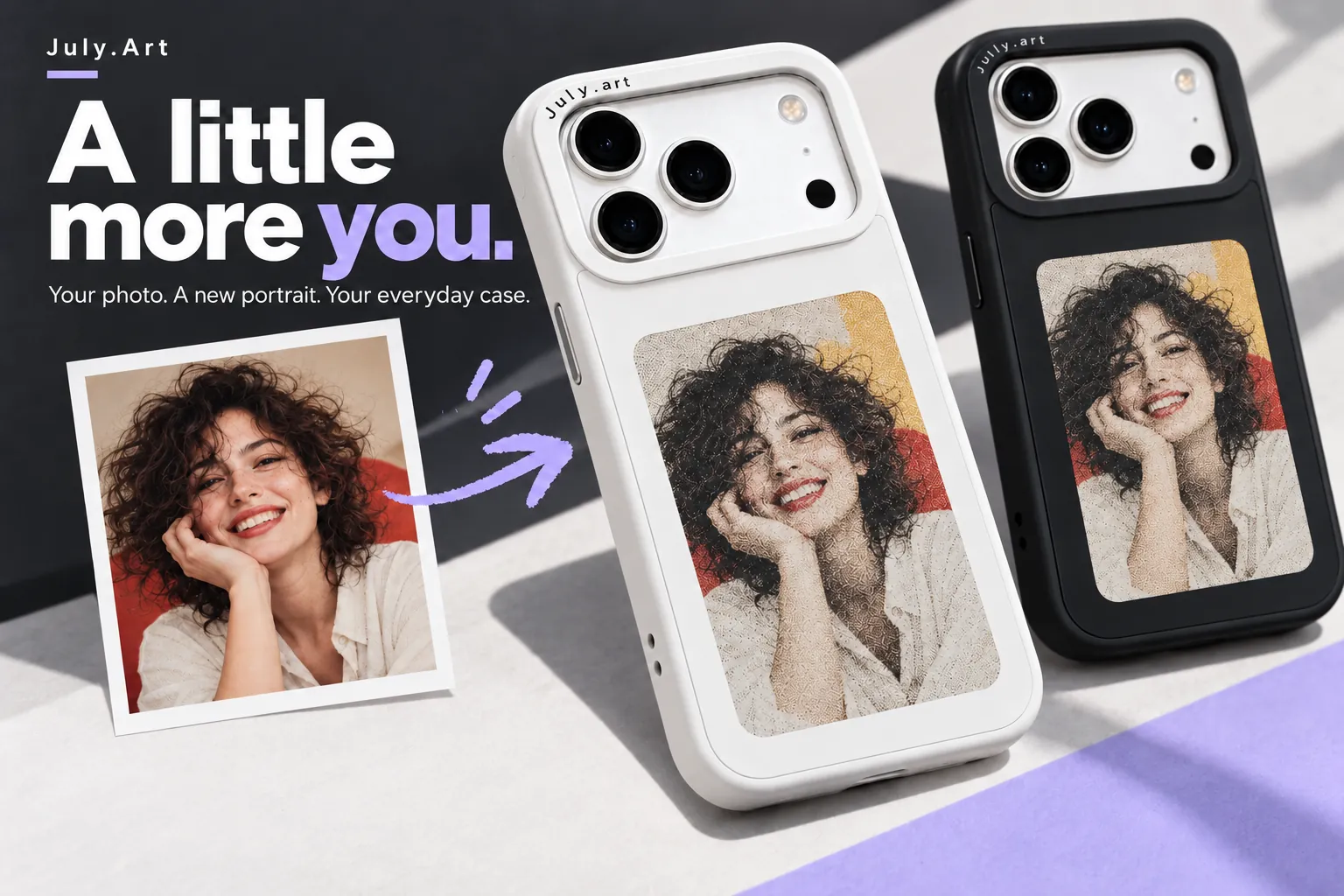
Turn the back of your phone into a place for your favourite photo, personal portrait or original artwork. Explore the creative tools in July.Art, then transfer a picture that feels like you.
Online creation can use credits. Physical e-paper reproduces images with a limited four-colour palette.
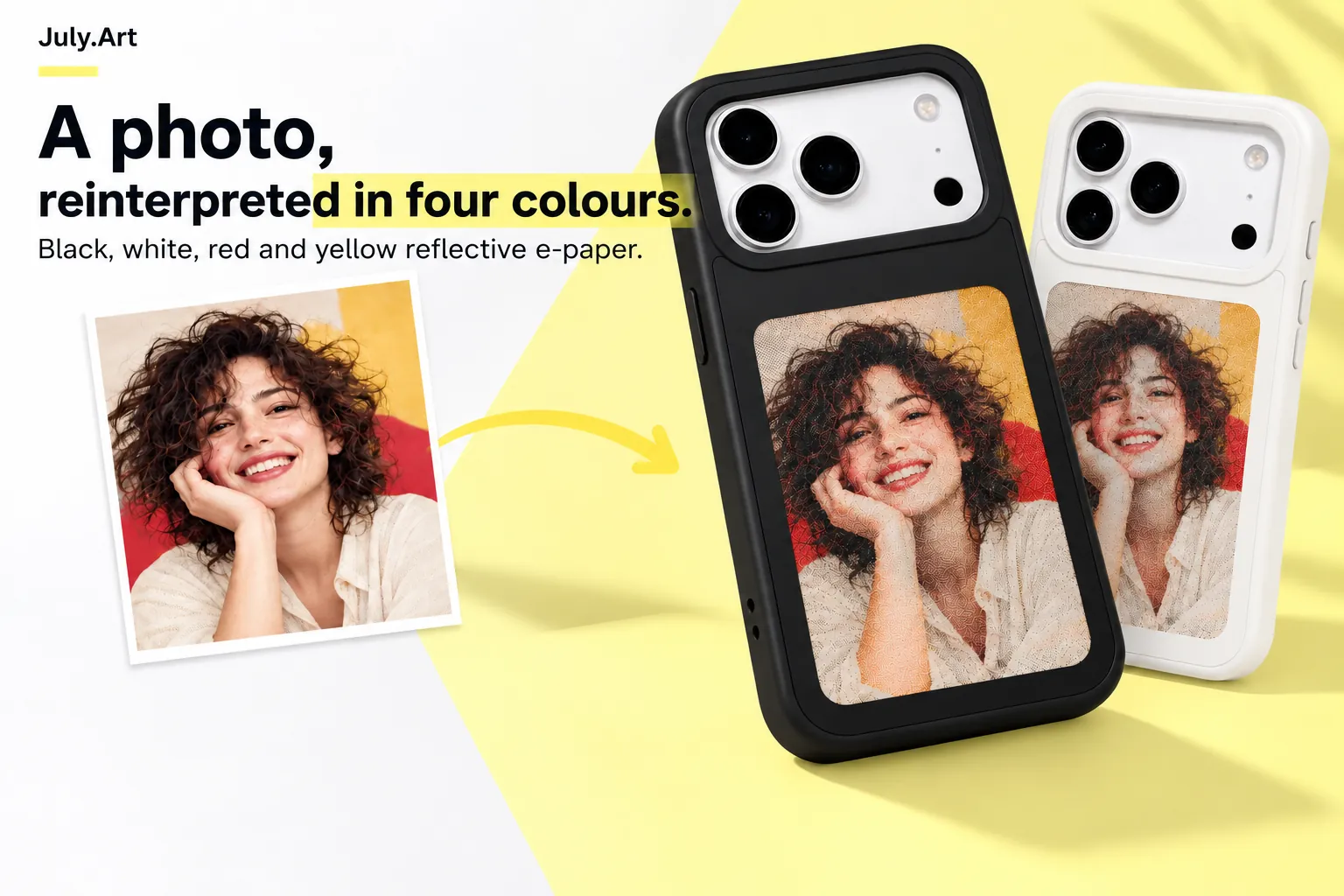
02 / HONEST E-PAPER
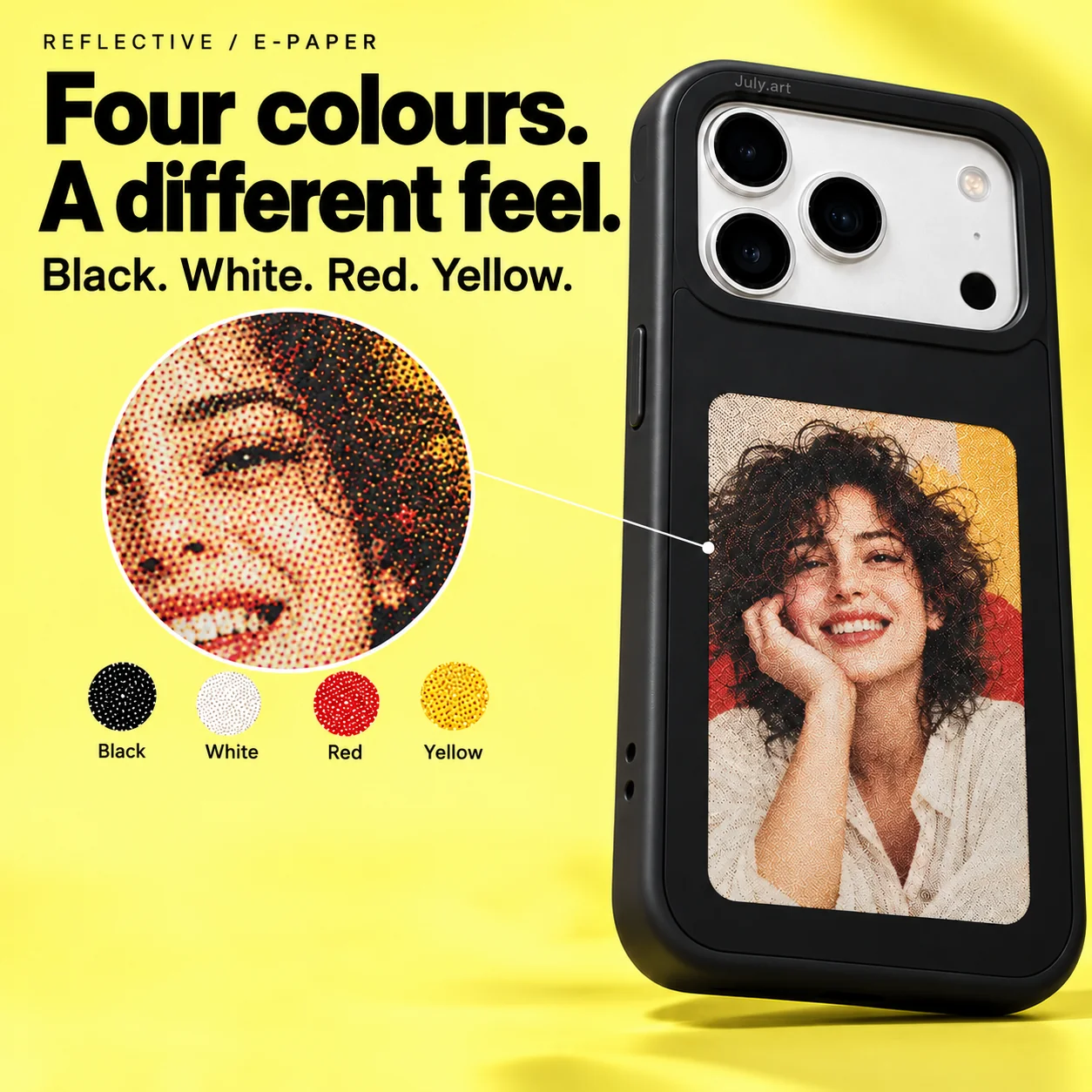
Four pigments - black, white, red and yellow - create a distinctive paper-like picture. Fine dot patterns and a limited colour palette are part of the display's character.
Colours and fine detail differ from a full-colour phone screen. The display is not a backlit RGB screen.
03 / CHANGE YOUR VIEW
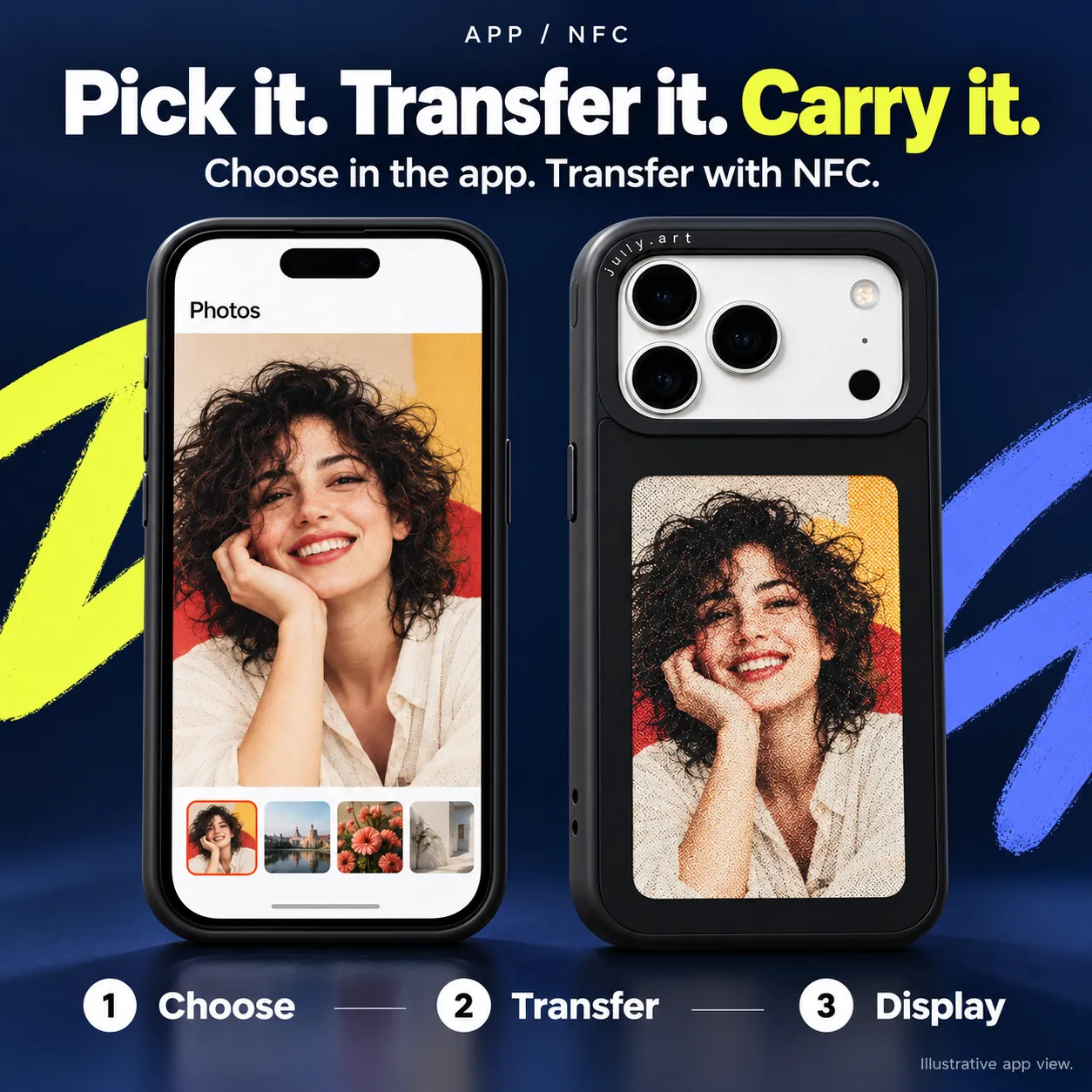
Select a photo or create artwork in the app.
Use the supported NFC transfer flow for your phone and case.
Keep the phone and case positioned as instructed until the update completes.
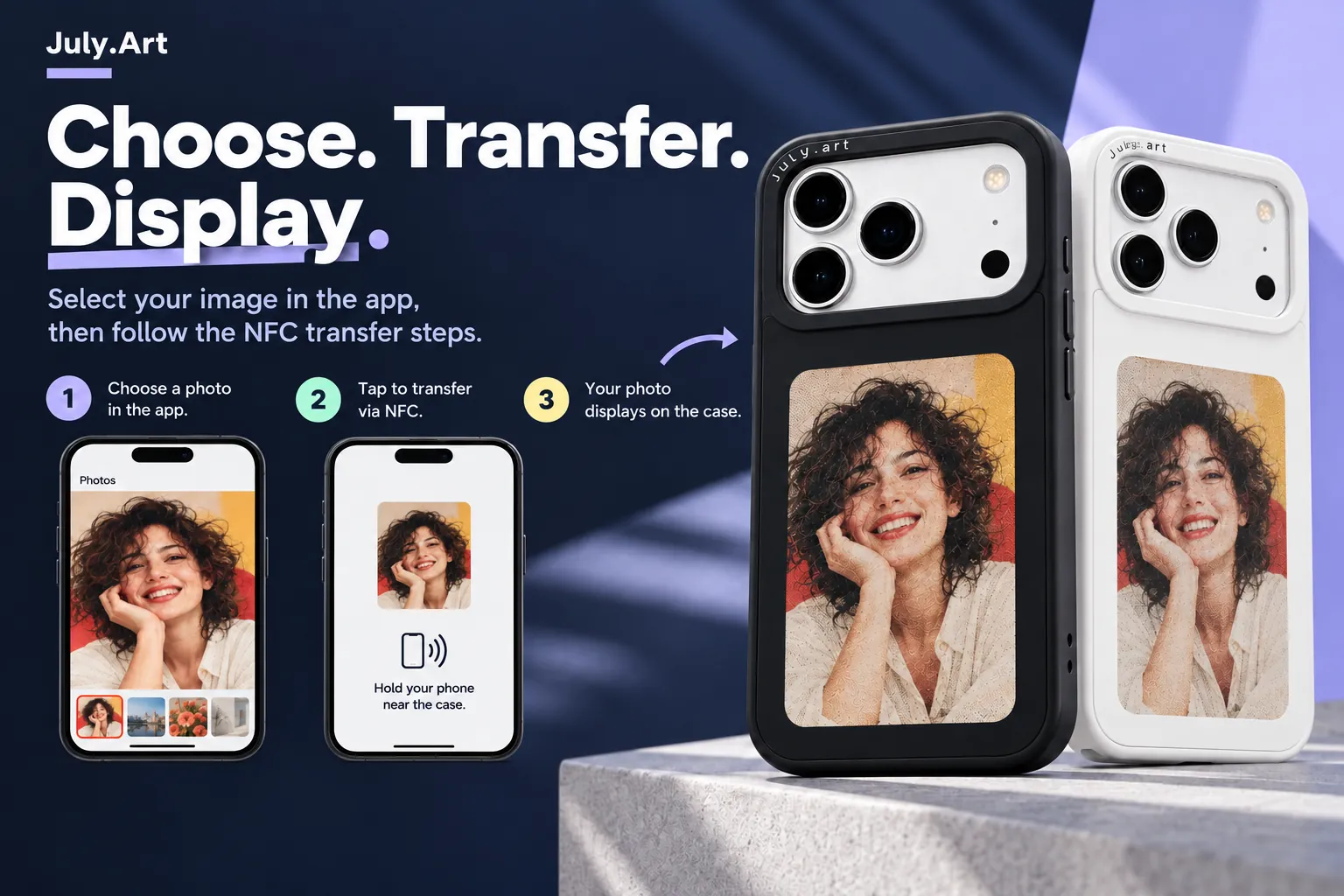
04 / FROM APP TO CASE
Prepare the composition in the app, then follow its transfer instructions. Keep important faces, pet ears and lettering within the visible display area.
App views are illustrative. Controls and the transfer workflow can vary by phone, case and app version.
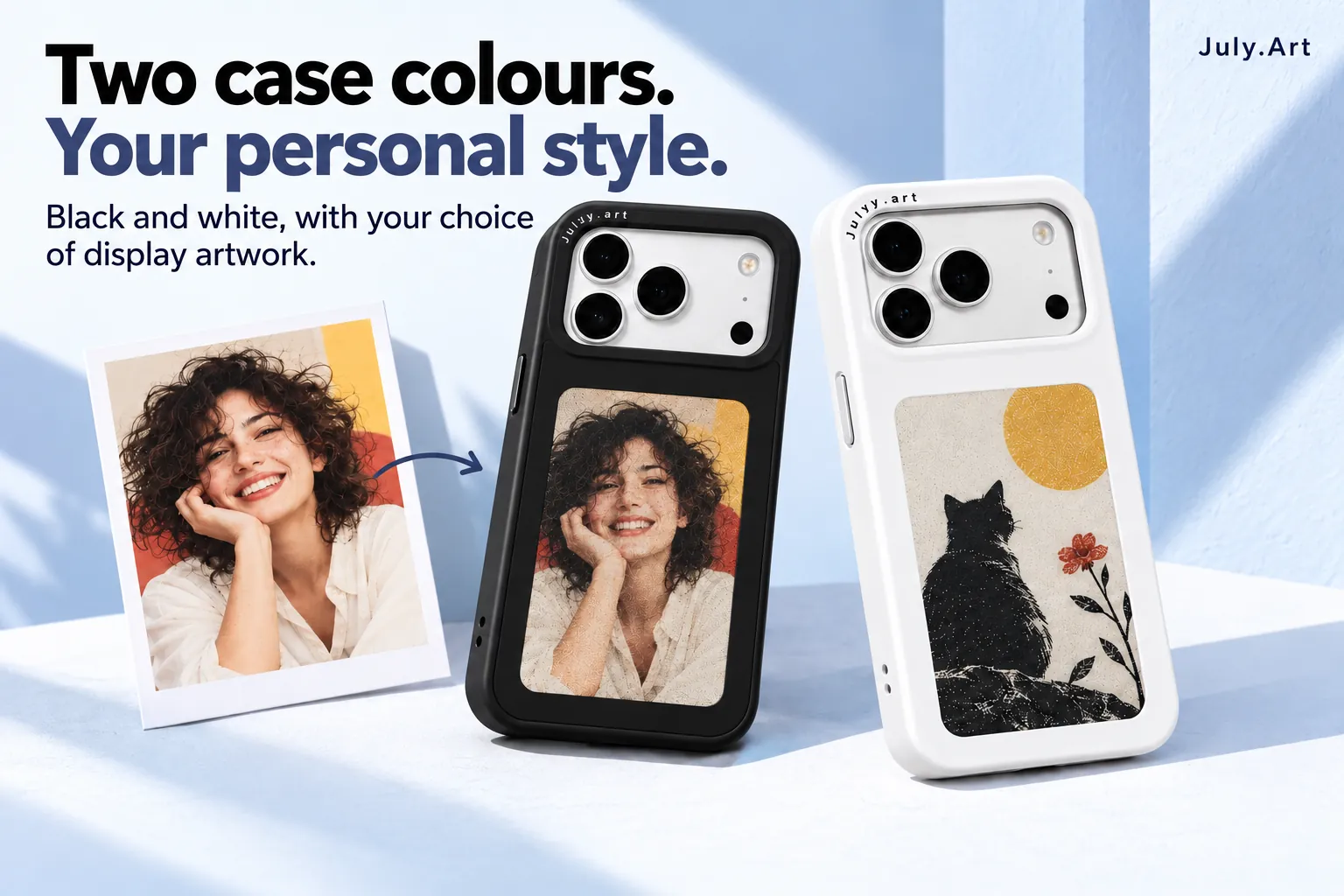
05 / YOUR COLOUR, YOUR CONTENT
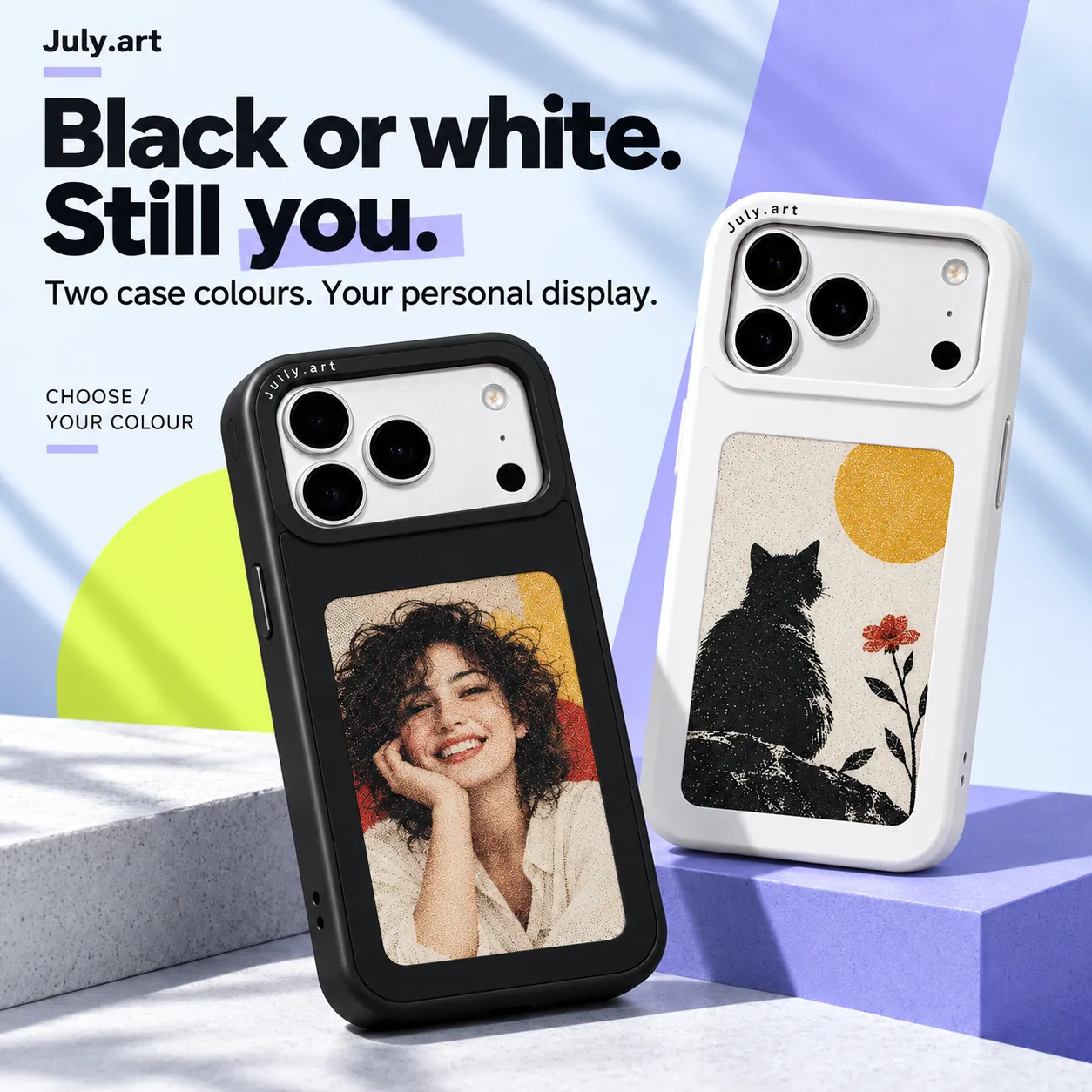
Choose the body colour you prefer. Both body colours use a four-colour e-paper display - the shell colour does not determine which colours the image can show.
06 / CHOOSE YOUR VERSION
Screen version and phone fit are separate choices. Confirm the exact device model before ordering.
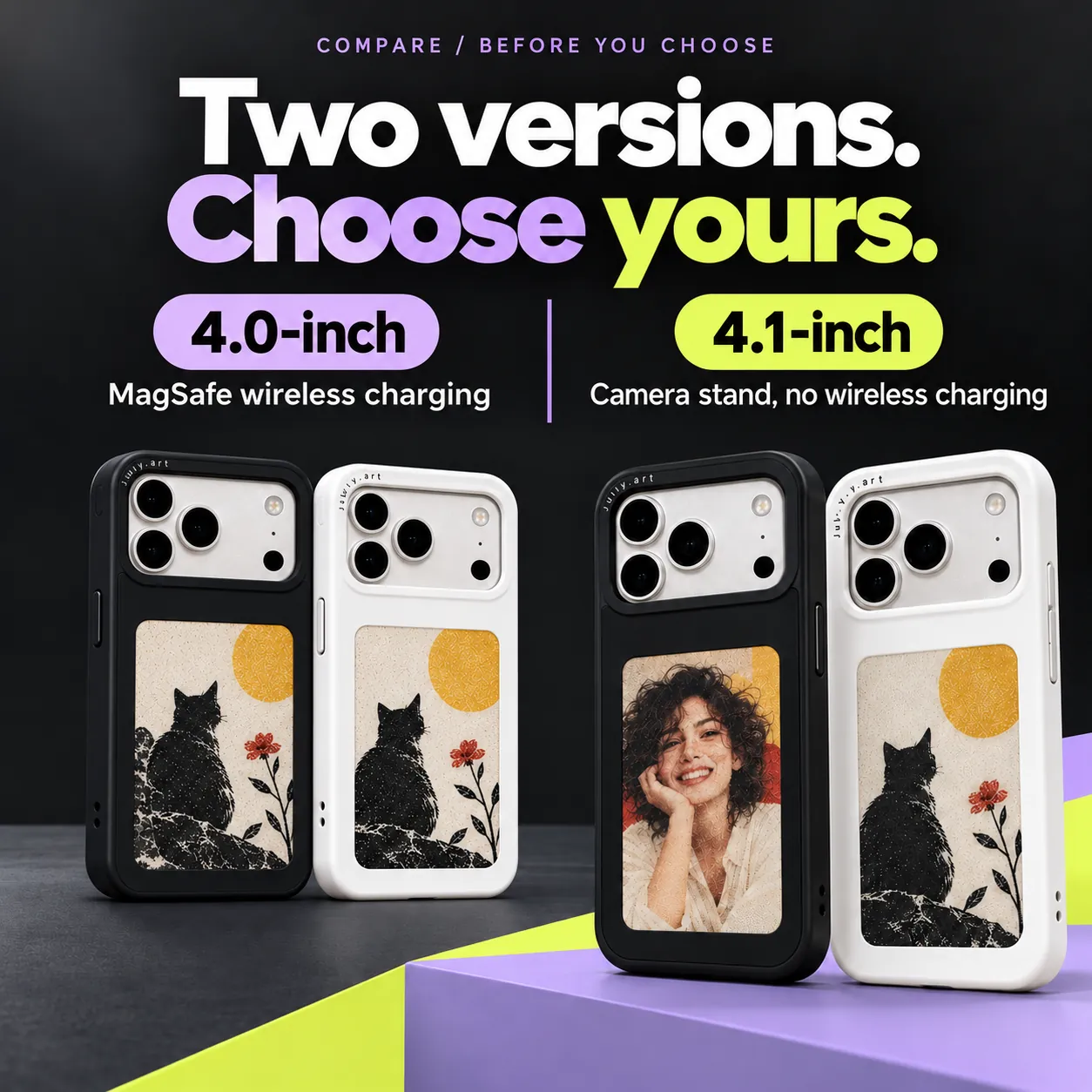
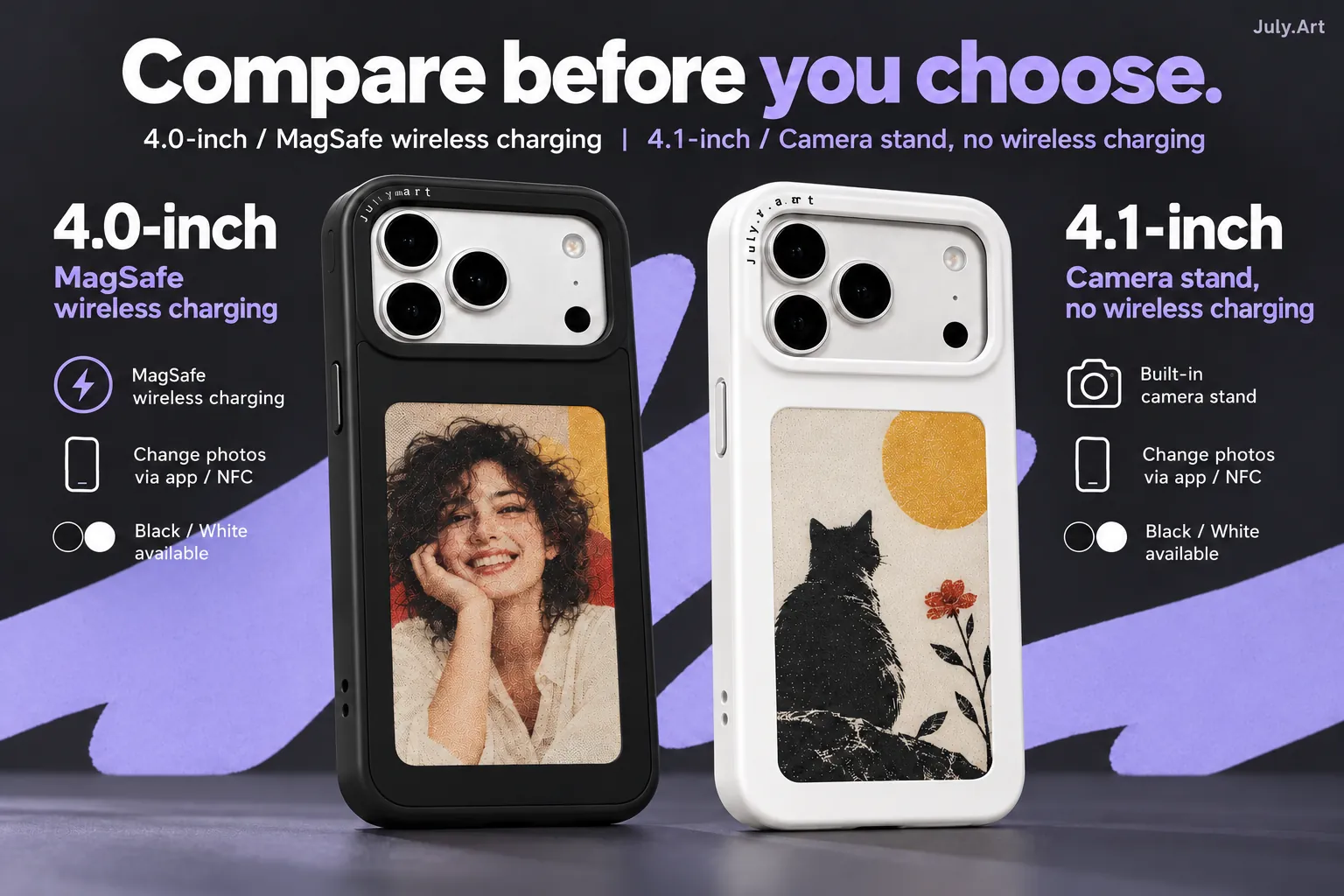
| Feature | 4.0-inch | 4.1-inch |
|---|---|---|
| Style | MagSafe wireless charging | Camera stand |
| Wireless charging | Supported | Not supported |
| Case colours | Black or white | Black or white |
| Image update | App + NFC | App + NFC |
Select the exact phone model and version you need. Display sizes do not indicate a newer or older generation.
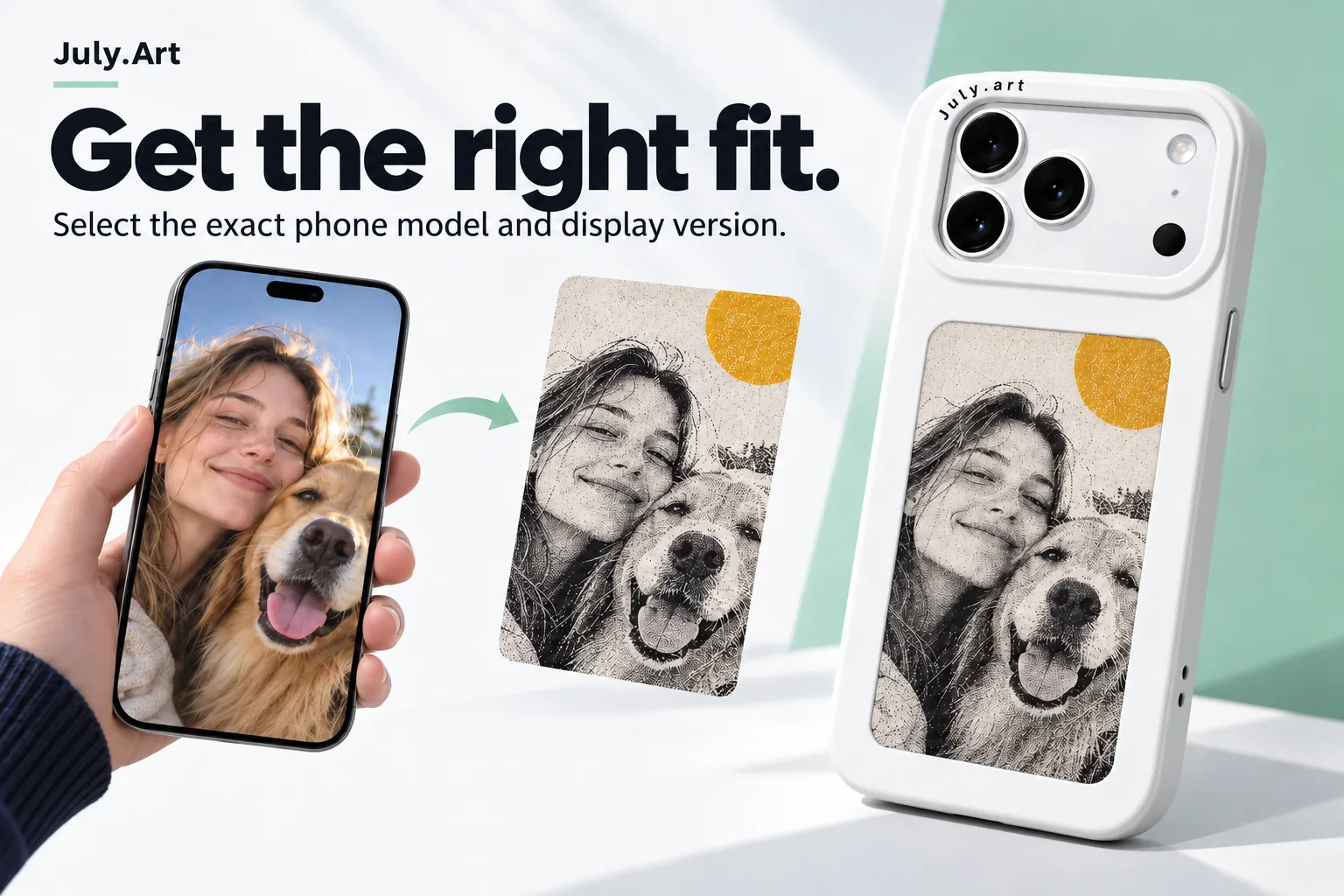
07 / EVERYDAY FORM
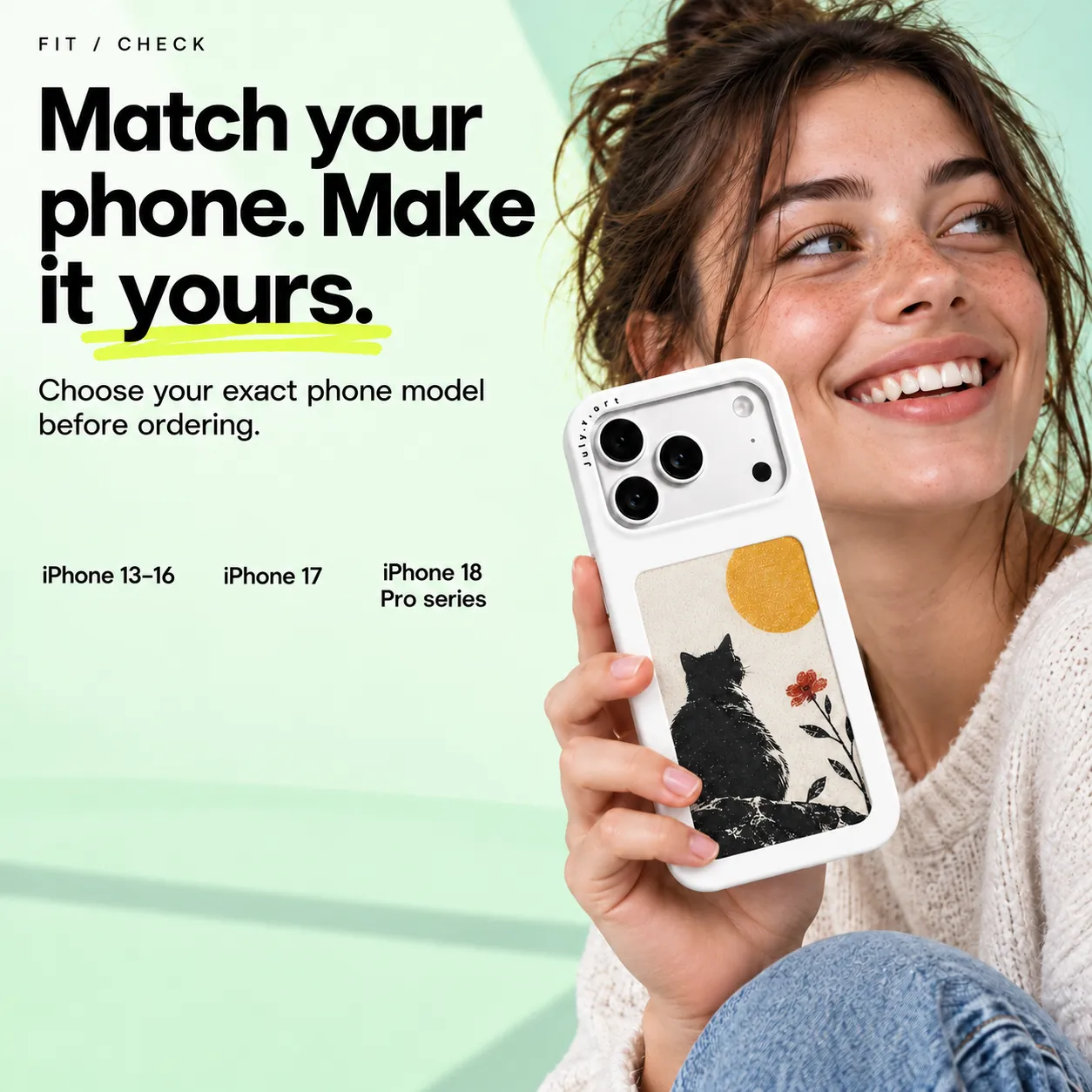
Choose the full model name in the selector, including Pro or Pro Max where applicable. Camera openings and case dimensions vary with the phone model you select.
The pictured hardware illustrates the product. Your selected phone model determines the case fit.
08 / CREATIVE POSSIBILITIES
Choose clear images with room around important faces and details.
Explore portraits and creative compositions in July.Art.
Use artwork and lettering you have the right to reproduce.
Online AI creation can require internet access and credits. Preview the result before transfer.
09 / USE AND CARE
Use the supported NFC workflow and keep the phone and case in the position requested by the app.
Handle the display carefully. Avoid immersion, abrasive cleaners and unnecessary pressure on the screen.
10 / BEFORE YOU ORDER
Choose 4.0-inch for MagSafe wireless-charging support, or the 4.1-inch camera-stand version if that suits your use. Both are offered in black and white.
4.1-inch does not support wireless charging. Phone and charging accessories shown are not included.
11 / GOOD TO KNOW
No. Reflective e-paper uses black, white, red and yellow pigments with a visible fine-dot texture. Expect a different look from a full-colour phone display.
This case displays still images updated through the app and NFC workflow. It is not a video screen or a remote photo frame.
Only the 4.0-inch version supports wireless charging. The 4.1-inch camera-stand version does not.
Match your exact phone model in the selector, then choose the case style and colour. A Pro and a Pro Max use different case fits.
Online creative tools can use credits. Check the current app options and pricing before creating.
12 / YOUR EVERYDAY CANVAS
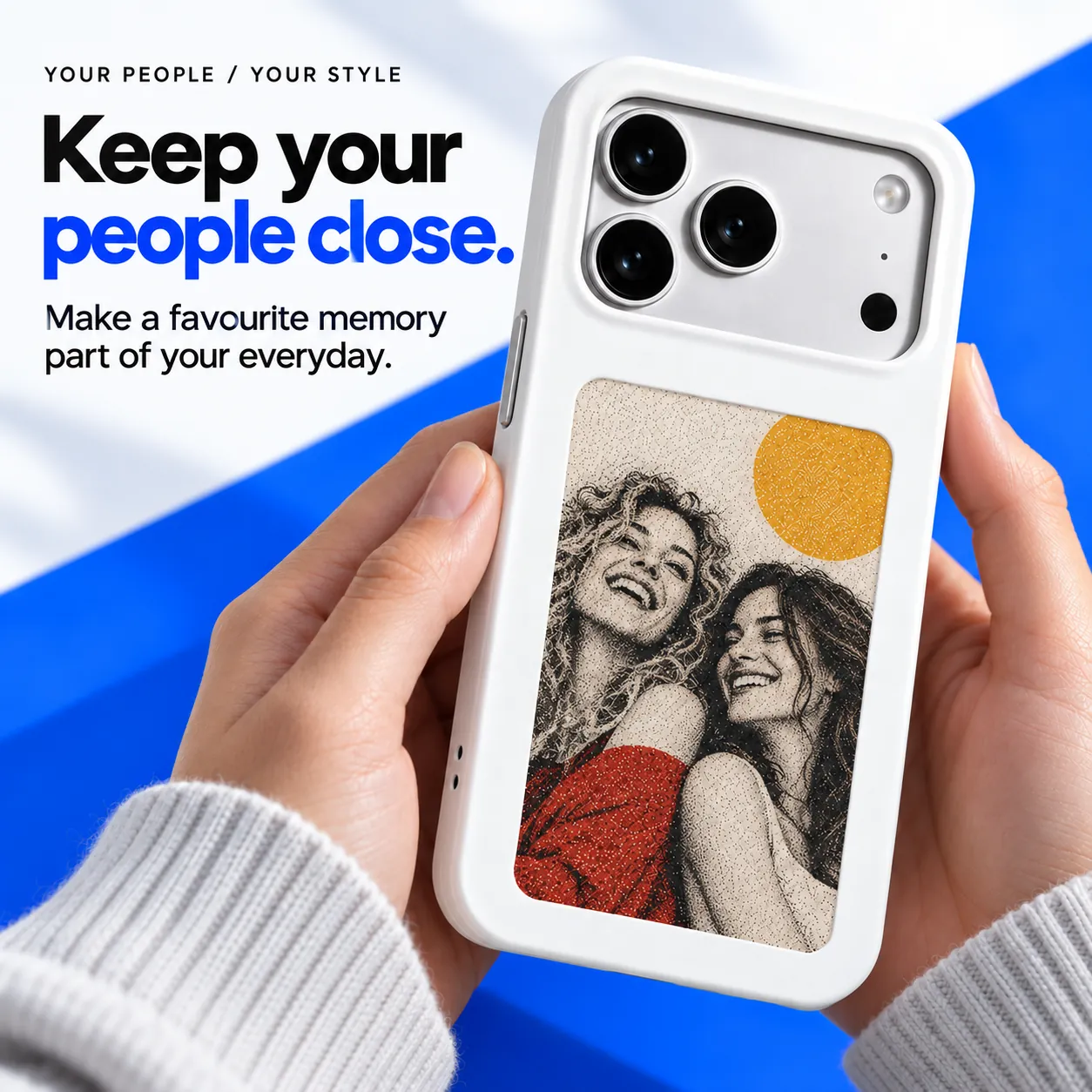
A familiar face. A favourite memory. A different kind of case.
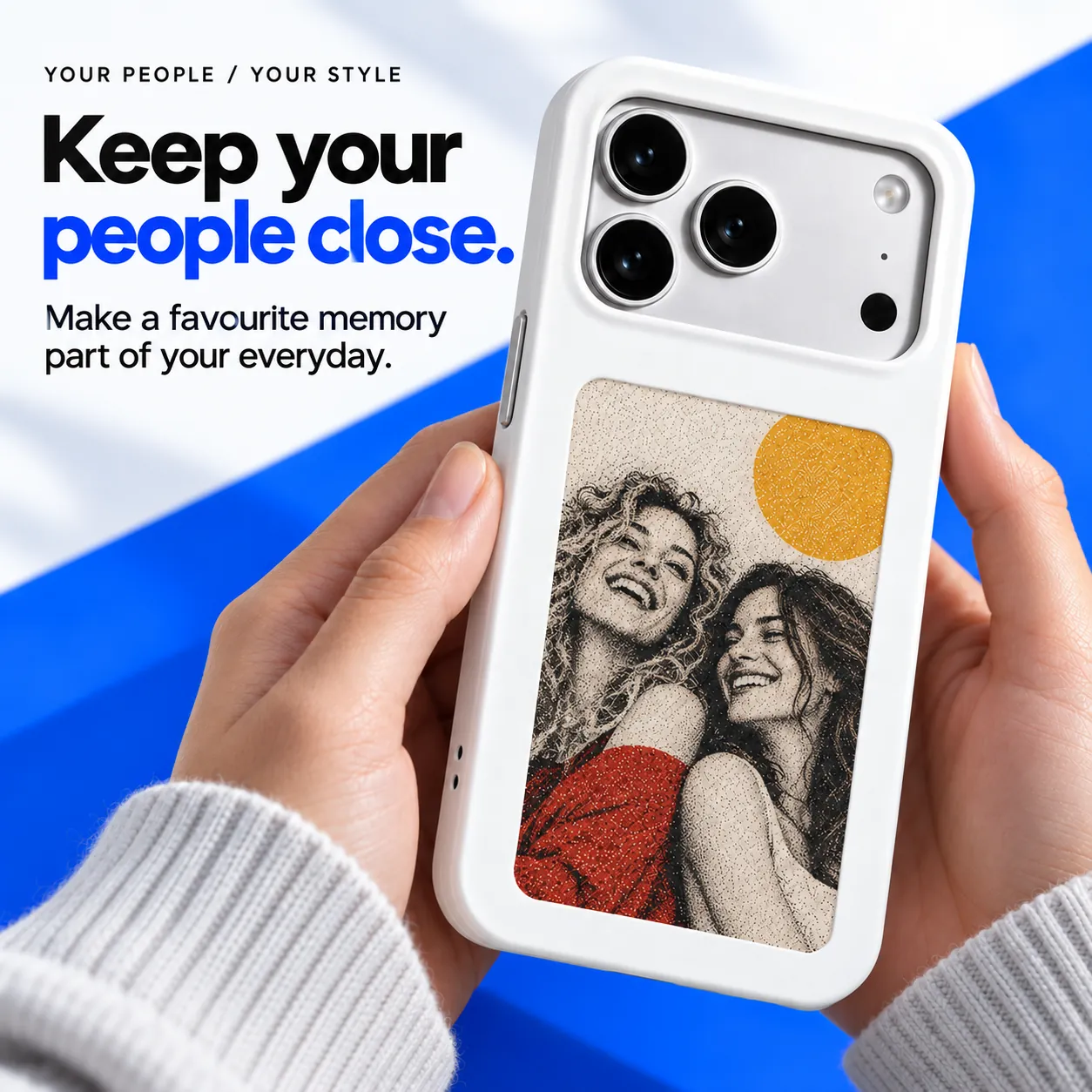
Screen content and app views are illustrative. Four-colour e-paper appearance and exact hardware depend on the selected version.