E-PAPER PHONE CASE
Your case.
Your canvas.
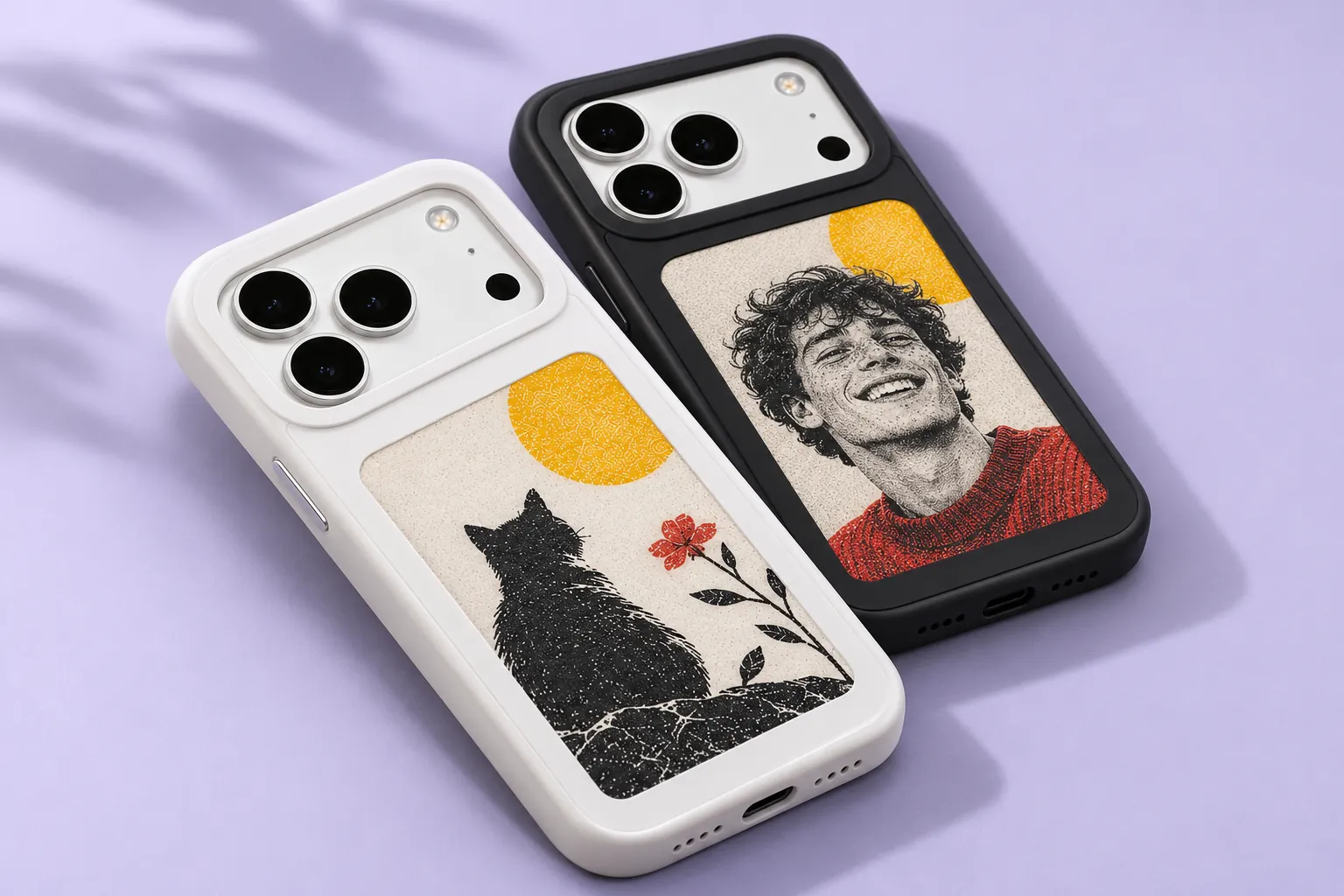
A favourite face. A piece of art. A little more you. Change the picture on the back of your phone with a four-colour e-paper case.
01 / A DIFFERENT KIND OF DISPLAY
Reflective.
Tactile. Personal.
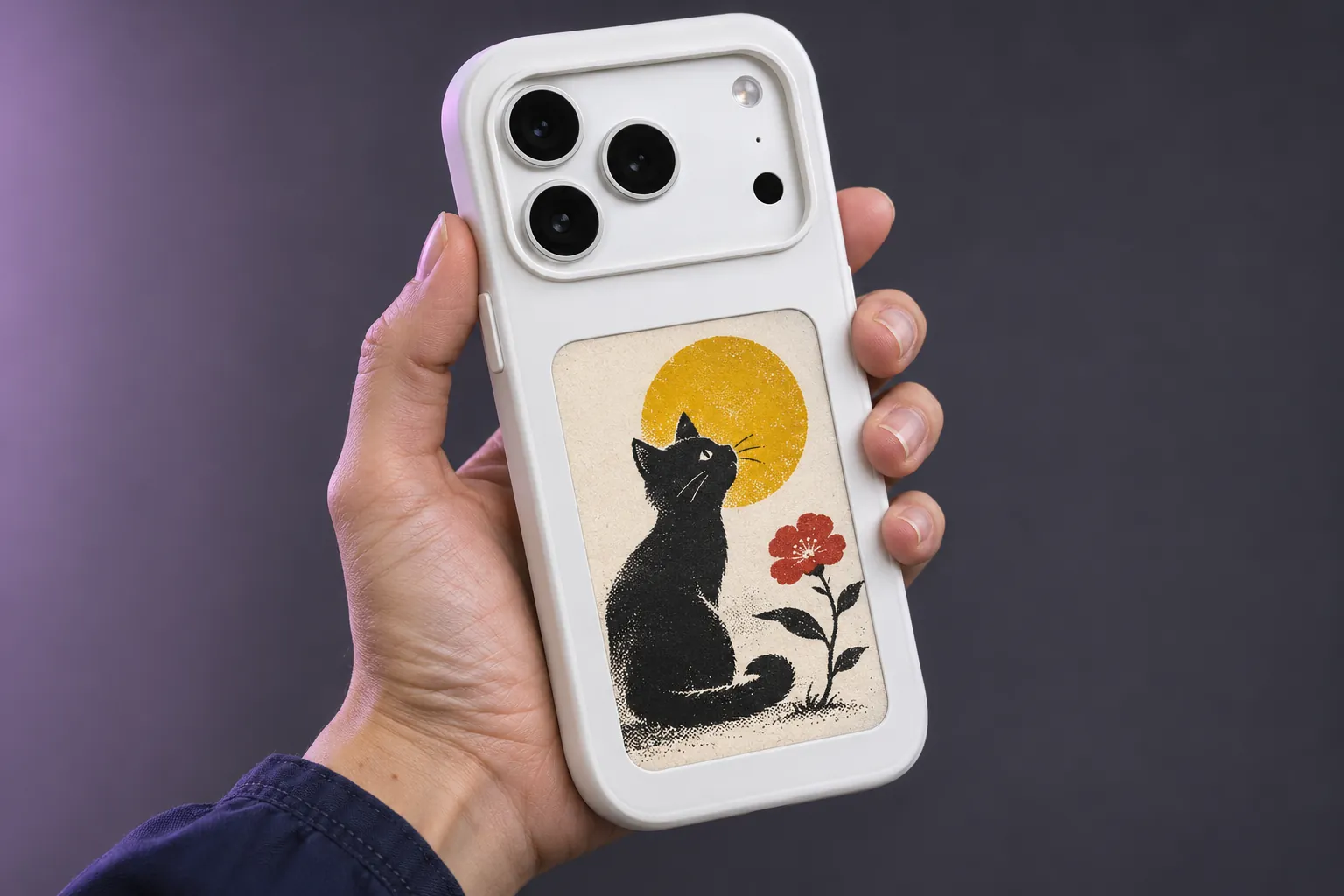
This is e-paper, rather than a glowing phone screen. Black, white, red and yellow pigments give each picture its own distinctive character.
Fine dot patterns and a limited palette are part of the paper-like finish. The panel displays static pictures, rather than video or a glowing RGB screen.
02 / MAKE IT YOURS
New picture.
Same favourite case.
Choose a picture in the app, prepare the composition and follow the NFC transfer instructions.
App controls and transfer steps can vary with the phone, case and app version. Online creative tools require internet access and can use credits.
Choose and compose.
Start with a photo or artwork. Crop for the portrait panel and keep faces, pet ears and important details inside the visible area.
Transfer with NFC.
Follow the app’s instructions for your supported phone and case. Keep the device in the instructed position during transfer.
Take it into your day.
The reflective panel displays your chosen static picture. Prepare another image whenever you want a different look.
03 / START WITH SOMETHING YOU LOVE
Portrait. Pet. Original art.
Choose a composition that fits a small, vertical canvas.
A familiar face
Use a clear portrait with a simple background. Check the face remains readable in four colours.
Your companion
Choose a photo with the whole face and ears visible. Keep the subject away from the panel edges.
A bolder graphic
Try a simple original illustration with strong black shapes and considered red or yellow accents.
04 / FIND YOUR VERSION
Two versions.
A clear choice.
Screen version, body colour and phone model are separate choices.
Version comparison
- Everyday feature
- 4.0-inch: MagSafe wireless-charging support
4.1-inch: Camera-stand version - Wireless charging
- 4.0-inch: Supported by this version
4.1-inch: Not supported - Body colours
- 4.0-inch: Black or white
4.1-inch: Black or white - Picture display
- 4.0-inch: Black / white / red / yellow e-paper
4.1-inch: Black / white / red / yellow e-paper - Phone fit
- 4.0-inch: Select the exact model
4.1-inch: Select the exact model
05 / FIT COMES FIRST
Match your exact phone.
Pro, Pro Max and the standard model use different case dimensions and camera openings. Confirm the full model name before you order.
This list helps you check the range. Select and confirm your exact model, version and colour on the product page.
06 / EVERYDAY CARE
Keep the picture.
Care for the case.
Follow the supplied instructions for fitting, transfer and cleaning.
Fit gently.
Match the case to your exact phone model. Avoid forcing buttons or camera openings into place.
Treat the panel with care.
Keep sharp objects away from the display surface. Follow the supplied cleaning guidance.
Choose before gifting.
Confirm the recipient’s complete phone model and preferred version before you order.
07 / BEFORE YOU MAKE IT YOURS
A few useful answers.
Is the e-paper display full colour?
It uses four pigments: black, white, red and yellow. Pictures are reproduced with a limited palette and fine dot patterns, rather than the colours of a backlit RGB phone screen.
Can the case play a video?
No. The e-paper panel is for static pictures.
How do I change the picture?
Prepare the picture in the supported app and follow its NFC transfer instructions. The exact steps can vary with the phone, case and app version.
Do both versions support wireless charging?
No. The 4.0-inch version supports MagSafe wireless charging. The 4.1-inch camera-stand version does not support wireless charging.
Does the shell colour change the picture colours?
No. Black and white shell colours both use the same black, white, red and yellow pigment palette.
Where do I choose my exact phone model?
Use the model, version and colour selectors on the case product page. Check the complete model name, including Pro or Pro Max where relevant.
Carry a little more you.
A favourite picture. A different kind of case.