
Photos
Bring familiar faces and favourite places into view.
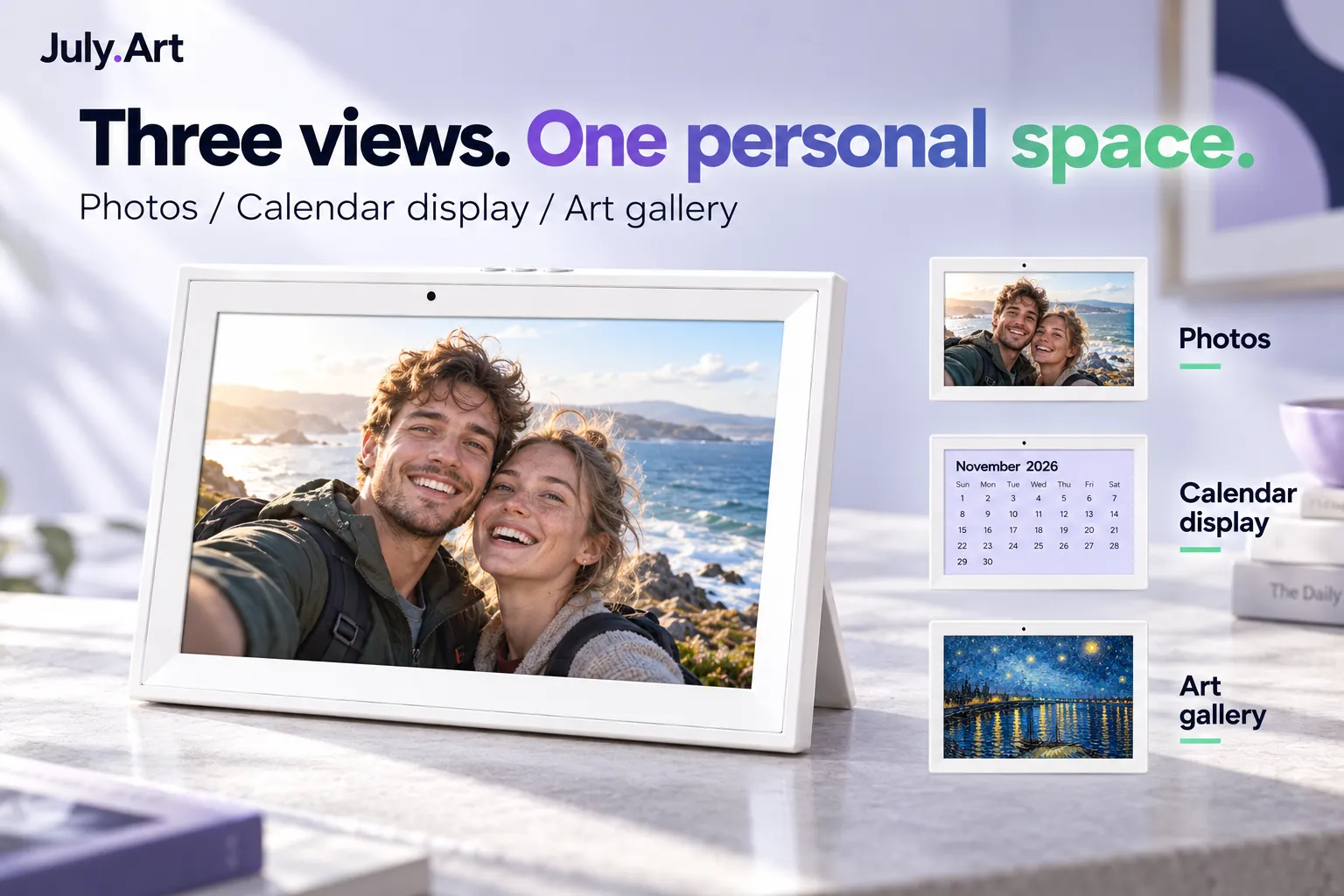
01 / YOUR PERSONAL DISPLAY
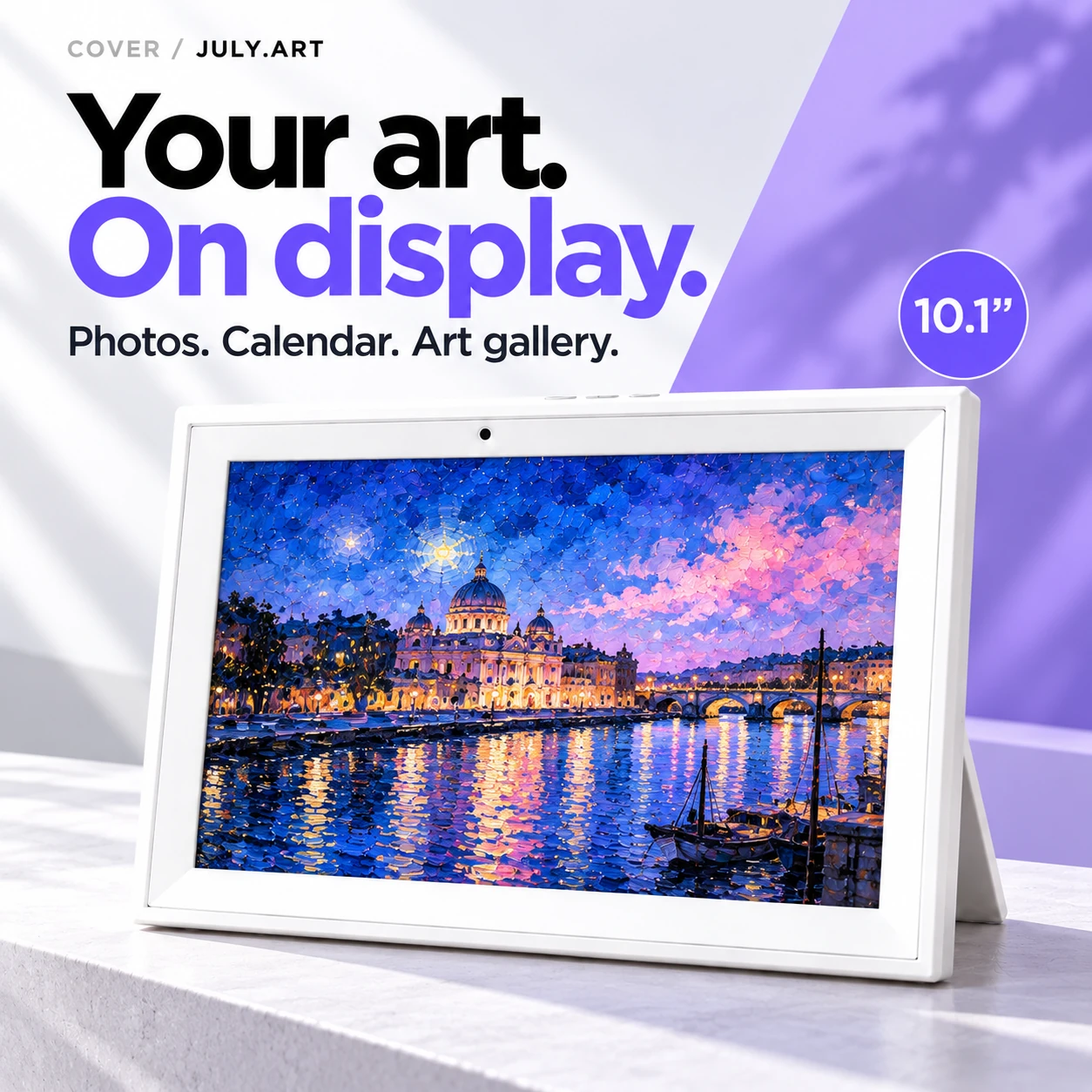
Put your point of view on display. Switch between favourite photographs, a calendar view and a personal art gallery, with a clean white frame that keeps the content in focus.
02 / YOUR DAILY VIEW
Bring familiar faces and favourite places into view.
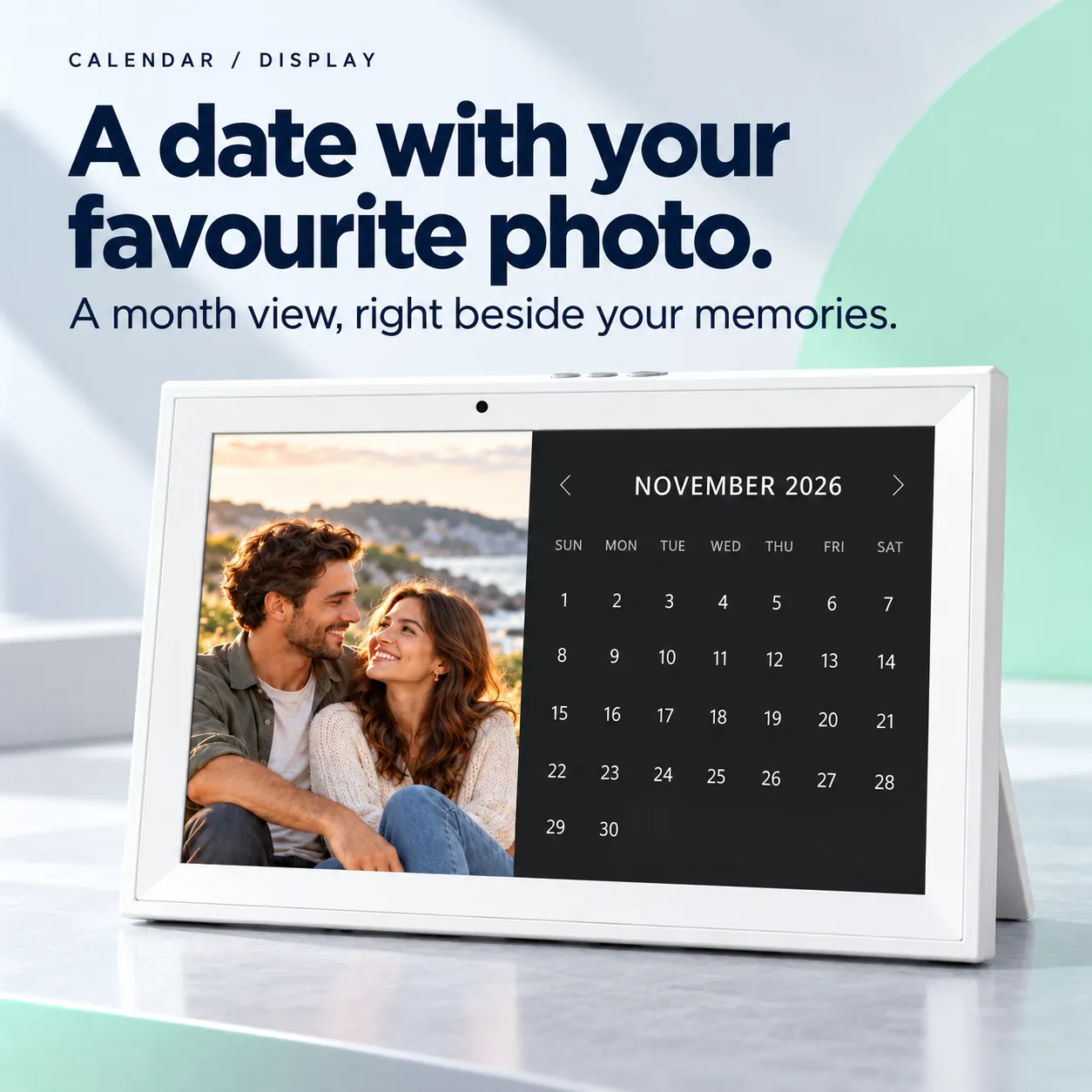
Keep a date view beside a favourite photo.
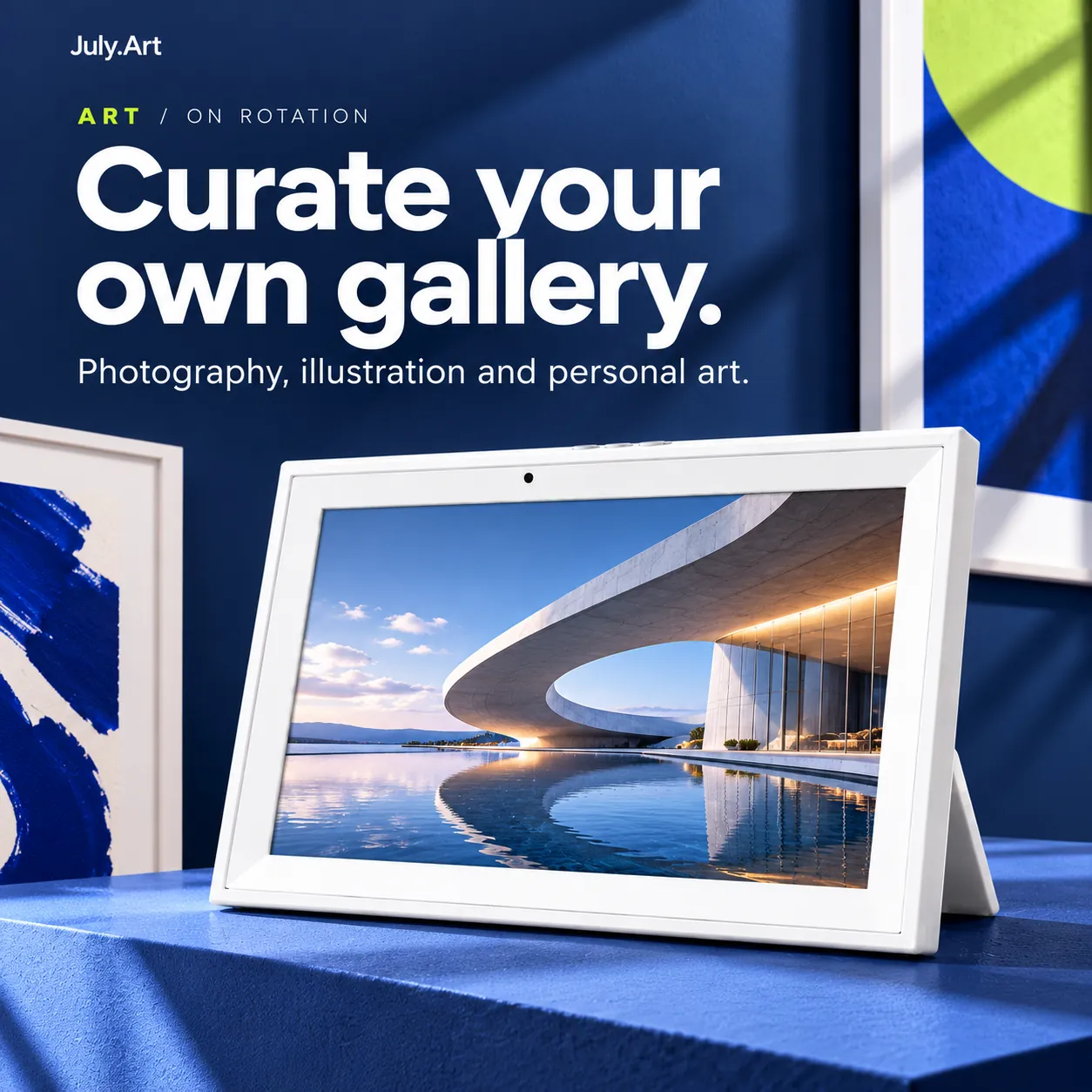
Change the mood with photography, illustration or personal art.
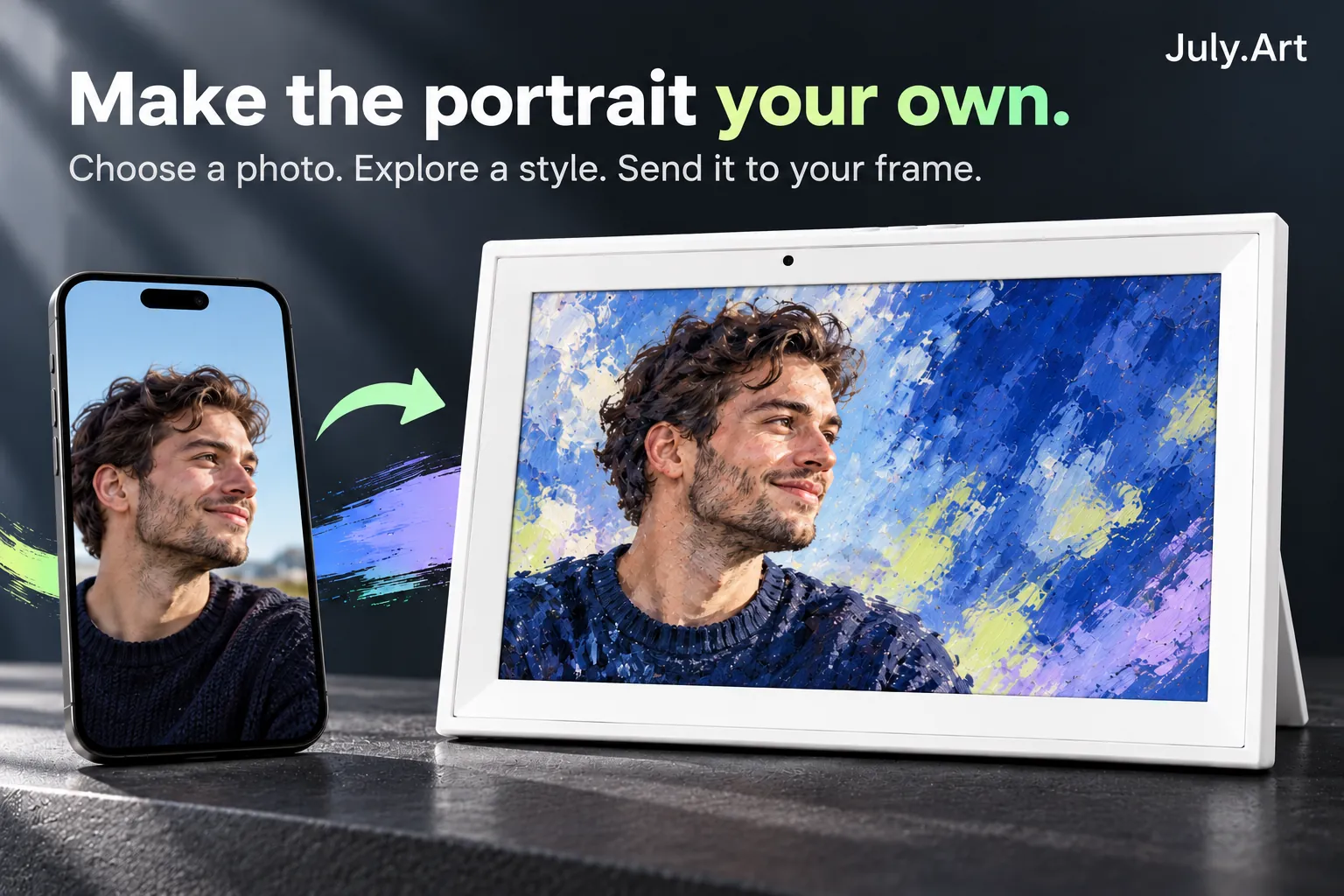
03 / PERSONAL CREATION
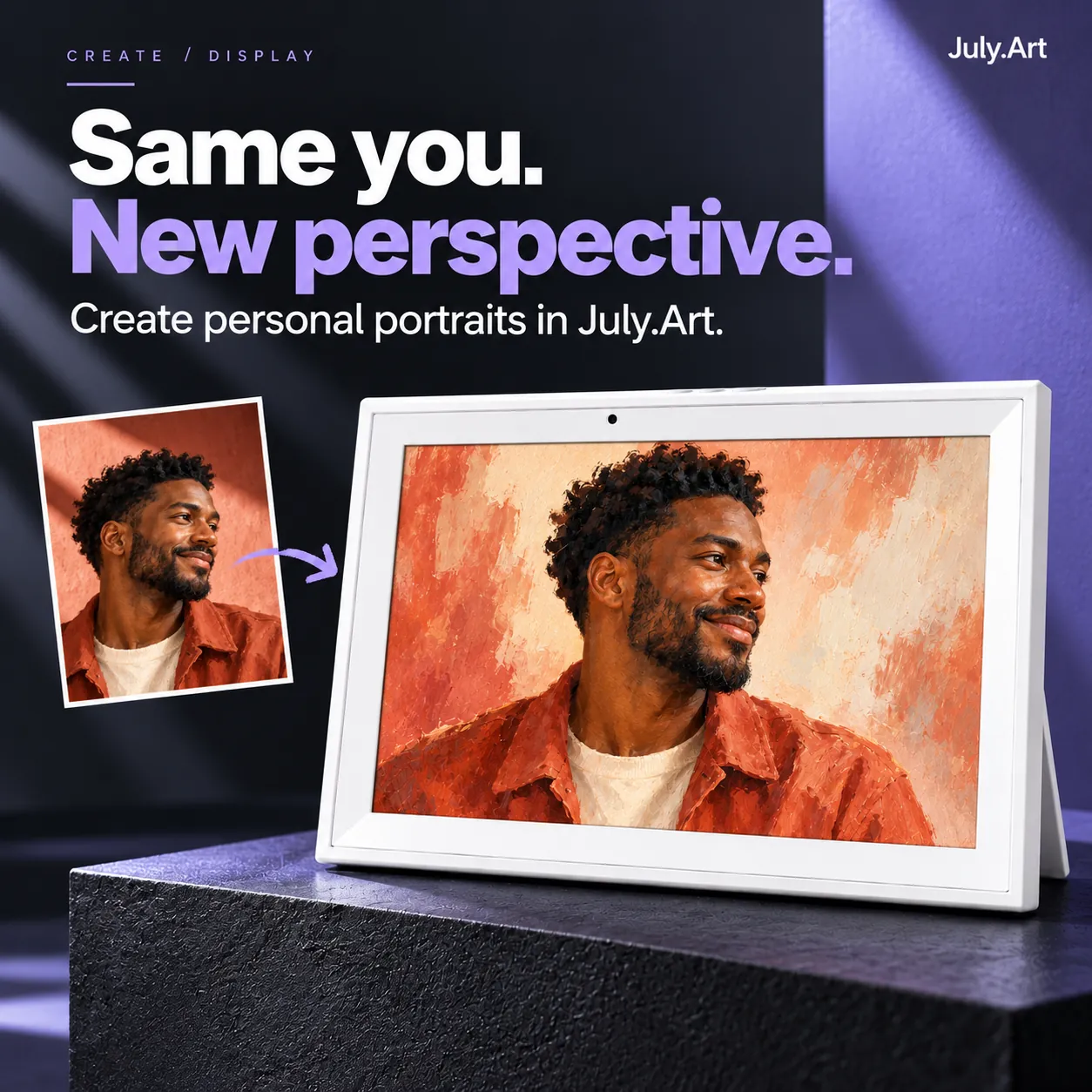
Explore creative portraits in July.Art. Start with a photo, choose a style and find a result that feels like you. Then give it a place on your frame.
Online creation requires internet access and can use credits. Creative results vary.
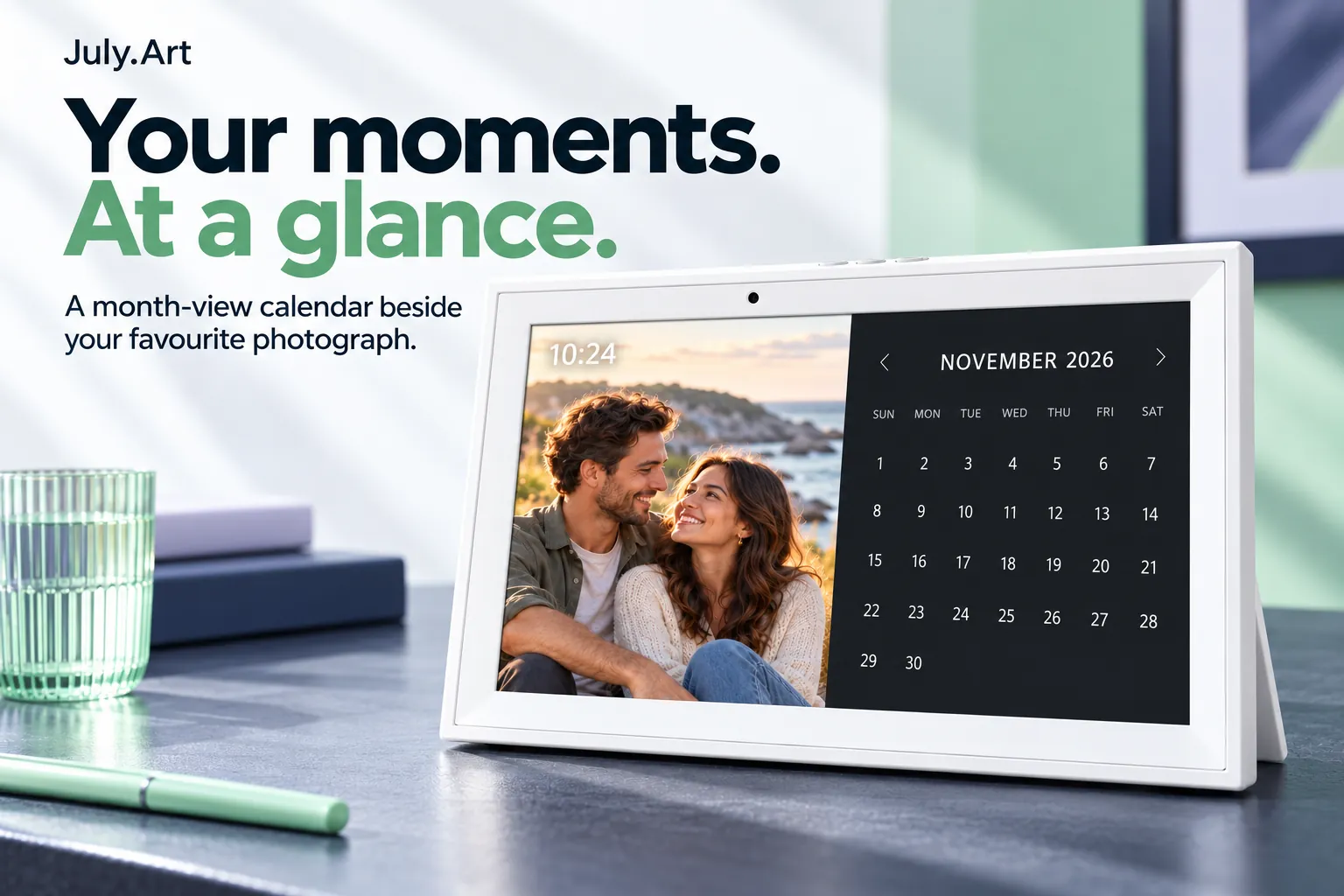
04 / AN EVERYDAY GLANCE
The calendar display pairs a month view with a favourite photo. A quiet addition to a desk, sideboard or reading corner.
Calendar images illustrate a display mode, not shared scheduling, tasks or reminders.
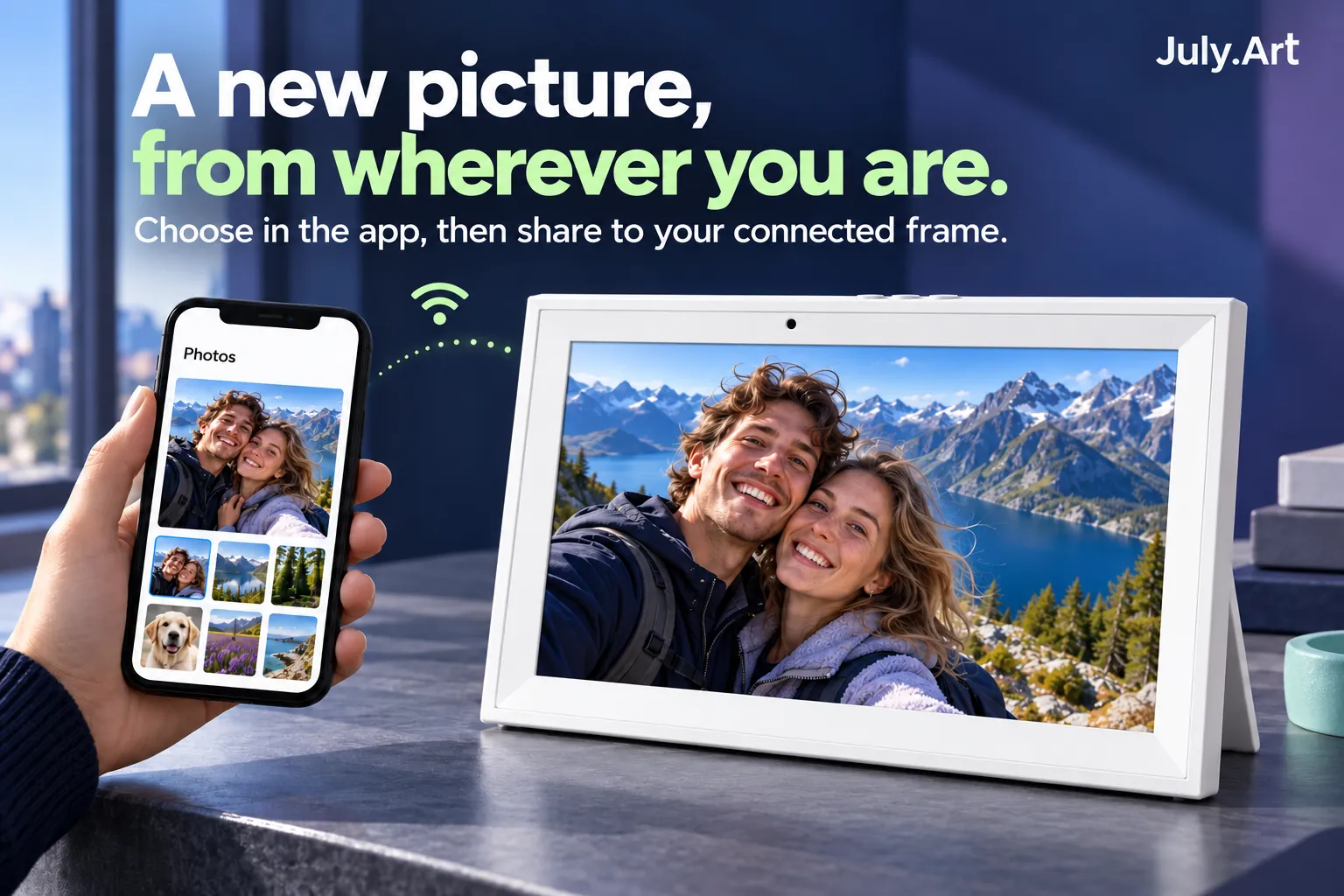
05 / STAY CONNECTED
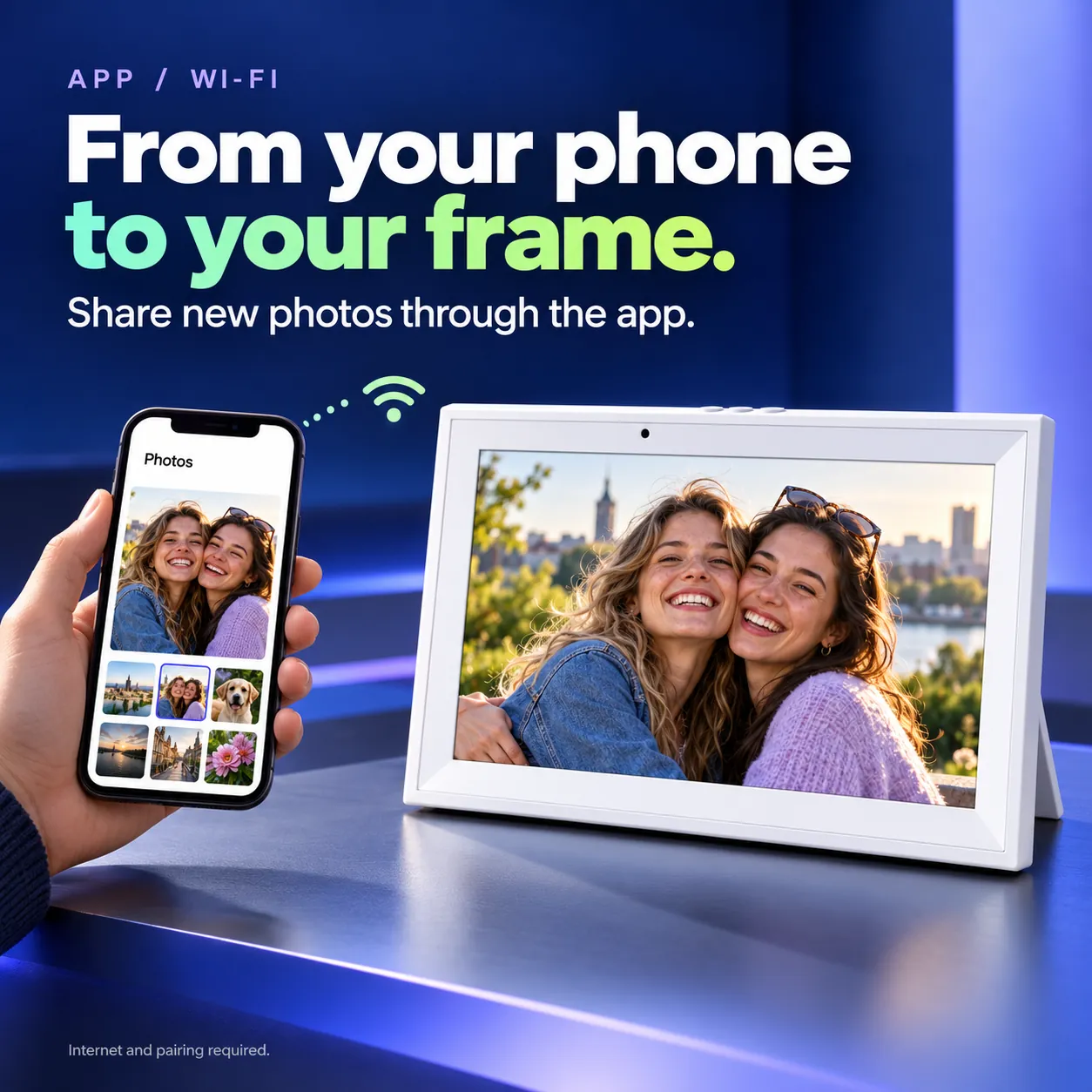
Choose a photo in the app and send it to your paired, internet-connected frame. Share a new view, a favourite face or a moment worth seeing again.
Remote sharing needs a supported, paired device and an internet connection.
06 / A LITTLE EVERYDAY ART
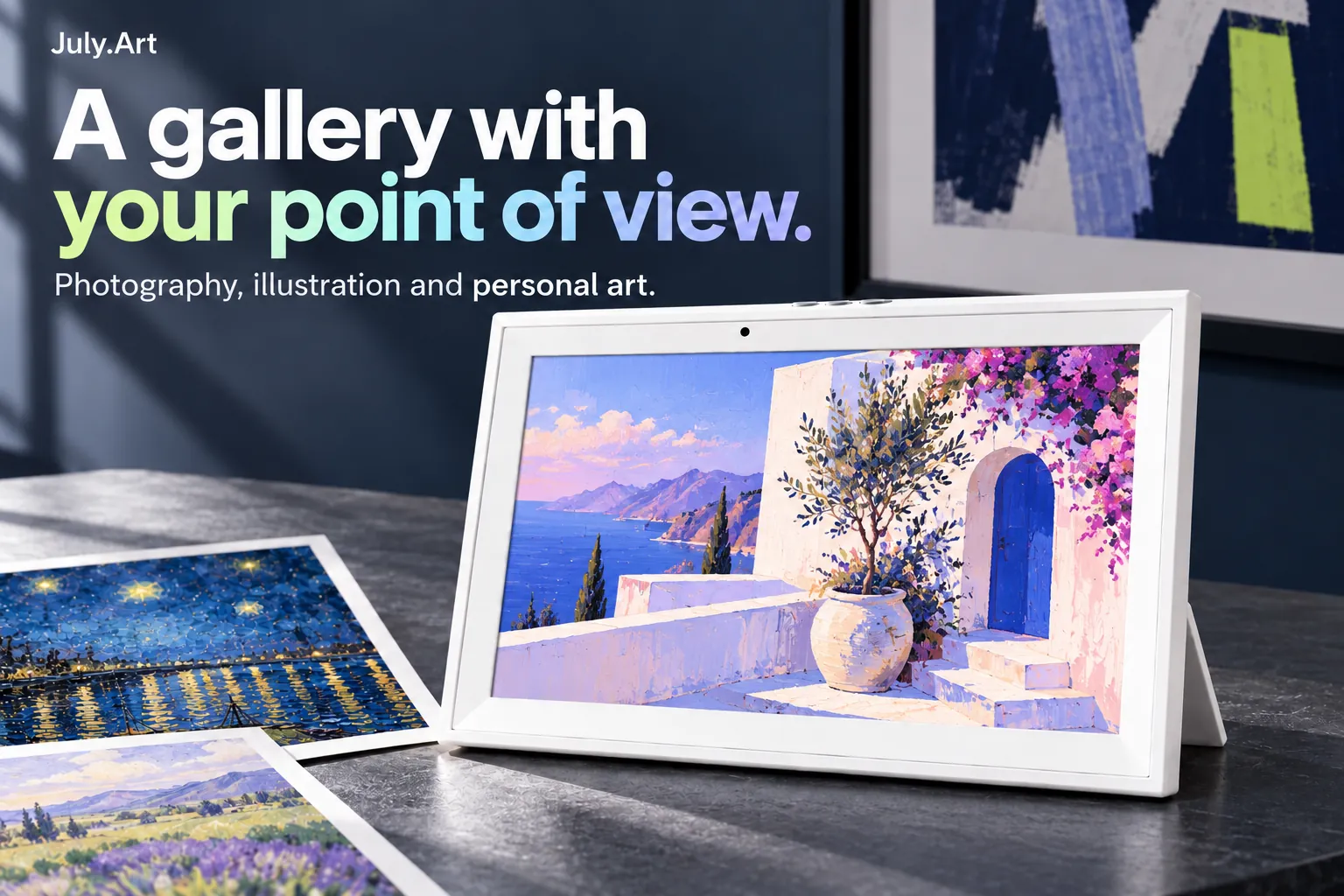
Photography, illustration or personal art: build a collection around what catches your eye. Change the view to match your mood, rather than choosing one image forever.
07 / EASY TO ENJOY
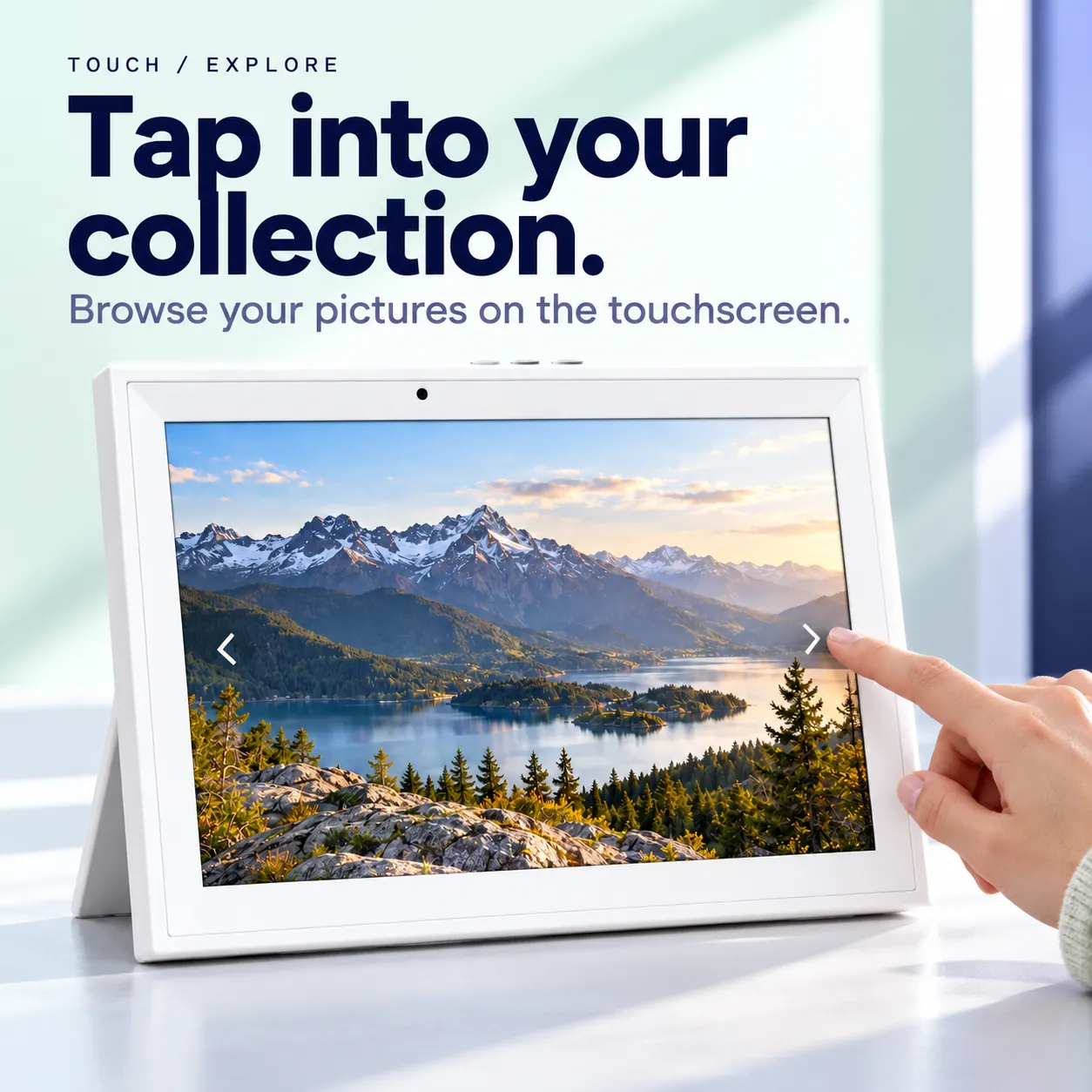
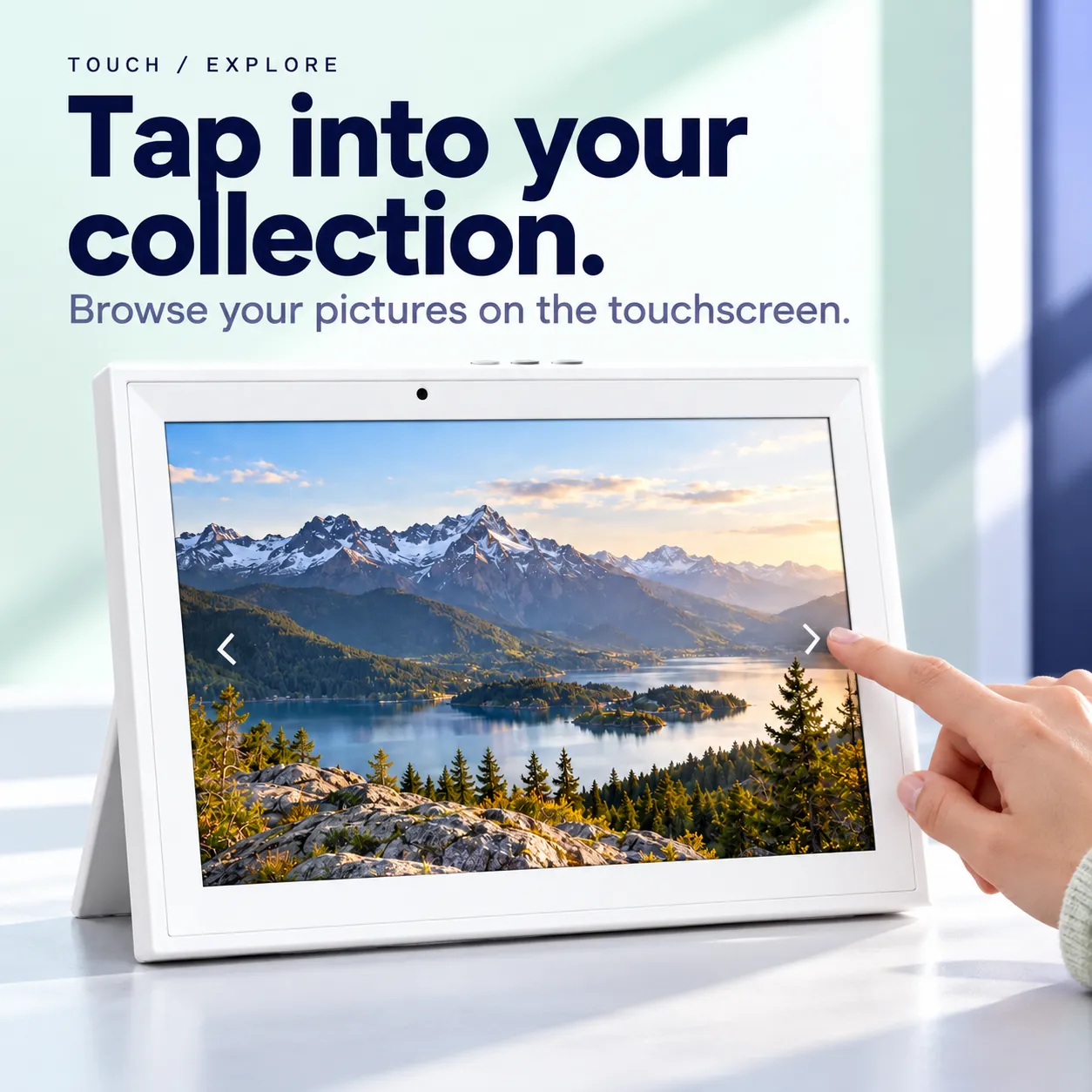
Use the frame's touch controls to browse supported content and playback options.
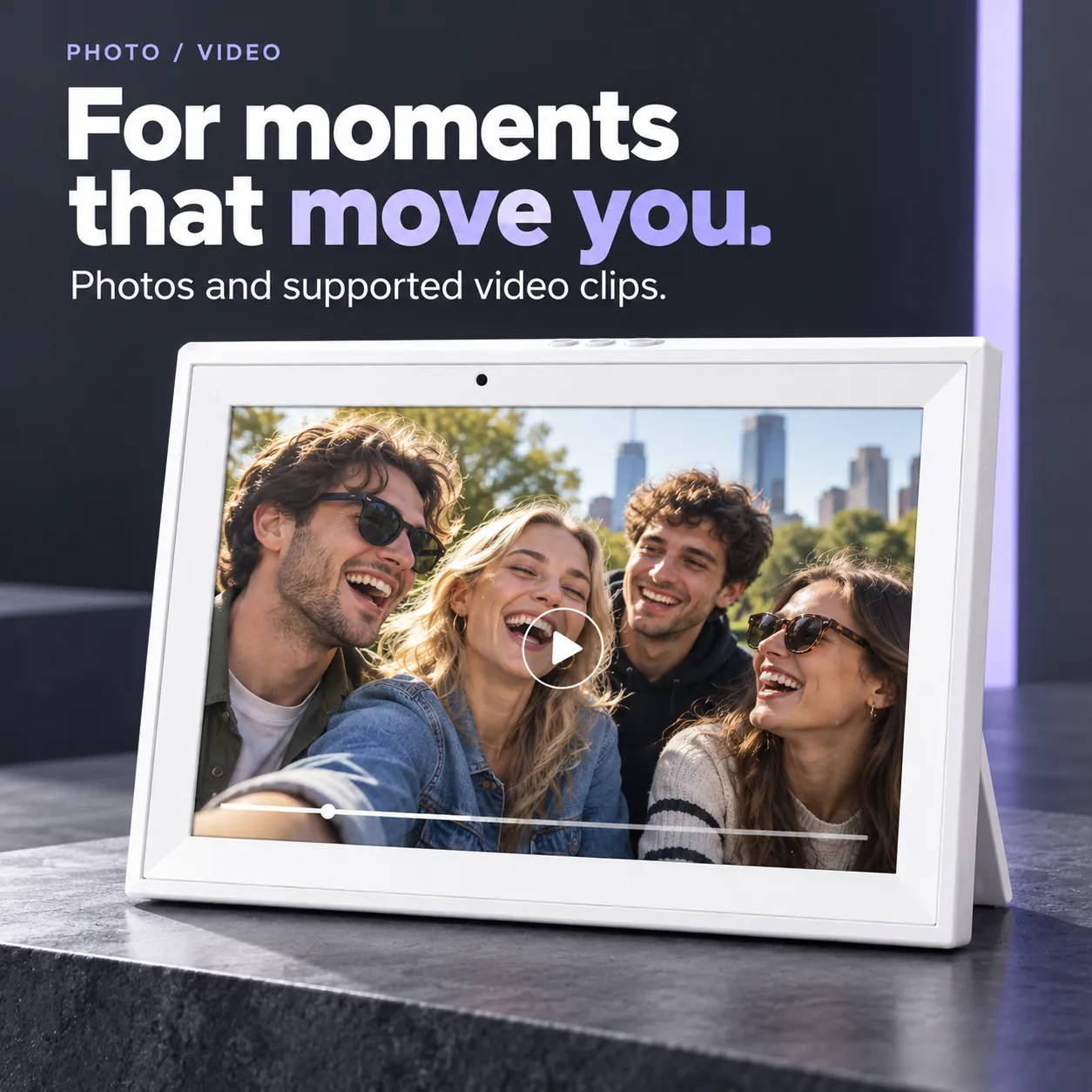
Enjoy photos and supported video clips, with the available playback settings on your device.
08 / GETTING STARTED
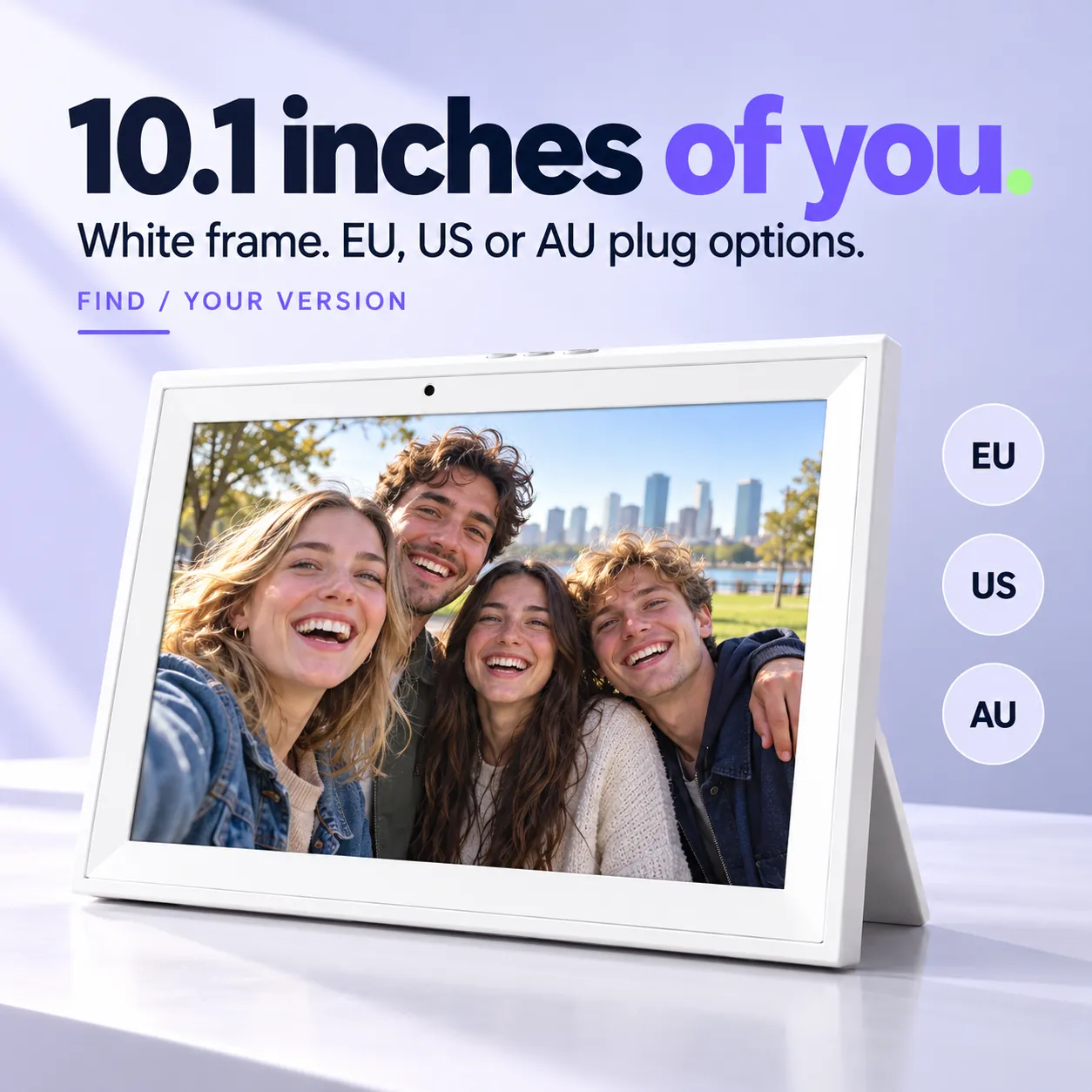
Select EU, US or AU to suit your outlet.
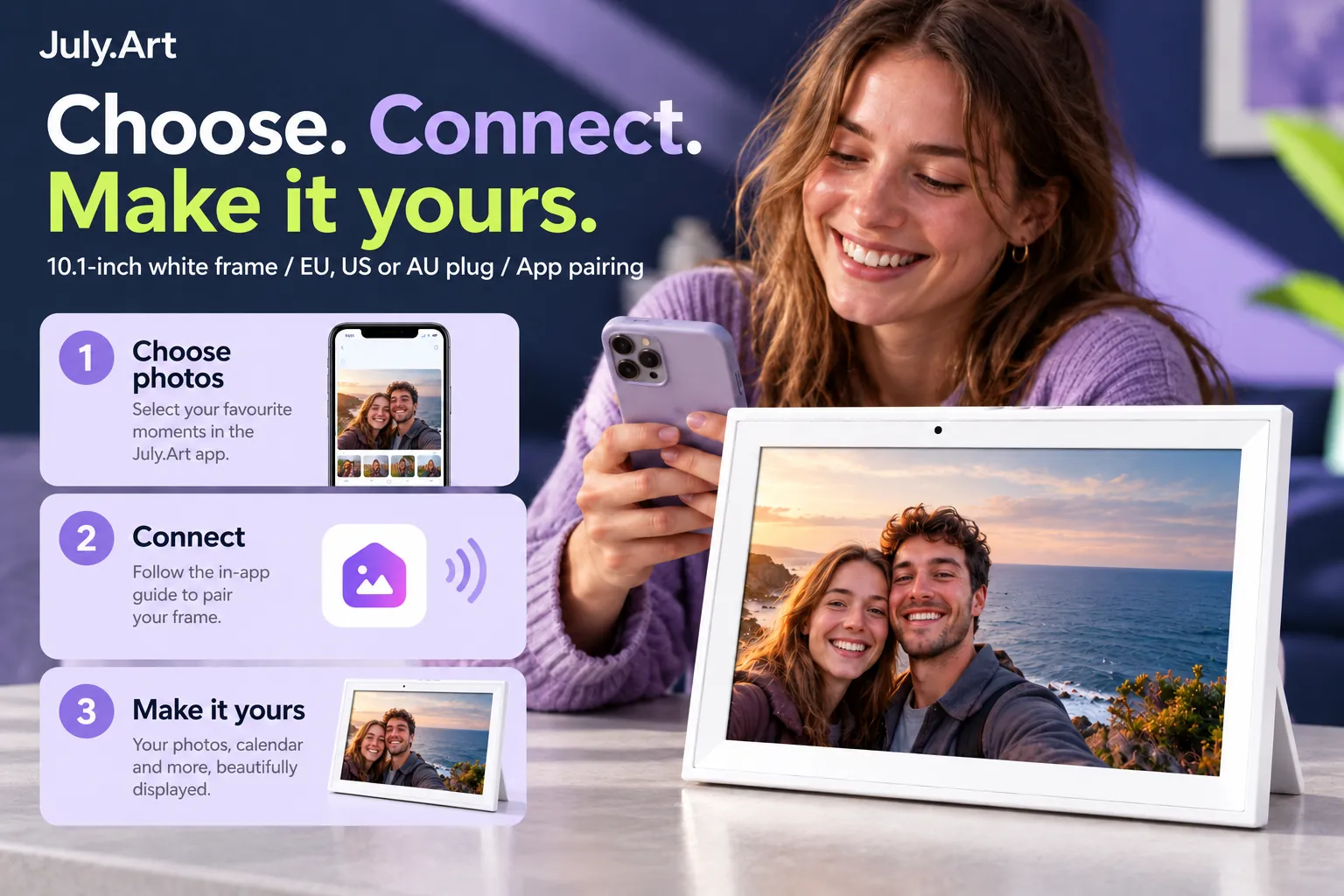
Follow the device and app instructions to connect the frame to Wi-Fi and pair it.
Add favourite photos, supported clips or your own creative portraits.
Browse on the touchscreen and enjoy your preferred display mode.
09 / EVERYDAY DETAILS
Keep a local media collection on the frame. Available space depends on system files and content.
Existing product materials specify local SD-card playback. The card is sold separately; check supported media formats before use.
10 / THE VERSION YOU CHOOSE
The overseas selection is a 10.1-inch white frame with EU, US or AU power-plug options. Select the right plug for your outlet when you order.
Use the supplied power equipment and follow the device instructions. Styling accessories and SD cards are not included.
11 / GOOD TO KNOW
Creative tools and receiving new remote uploads require internet access. Supported local media can be played using the device playback options.
Online creative tools can use credits. Check current options and pricing in July.Art.
This listing describes a calendar display mode. Shared scheduling, tasks and reminders are not included in the advertised feature set.
A white 10.1-inch frame. Select EU, US or AU for the power plug before ordering.
12 / MADE PERSONAL
Your pictures. Your art. Your point of view.

Screen content and app views are illustrative. Available features depend on the device, app and service version.